Error message
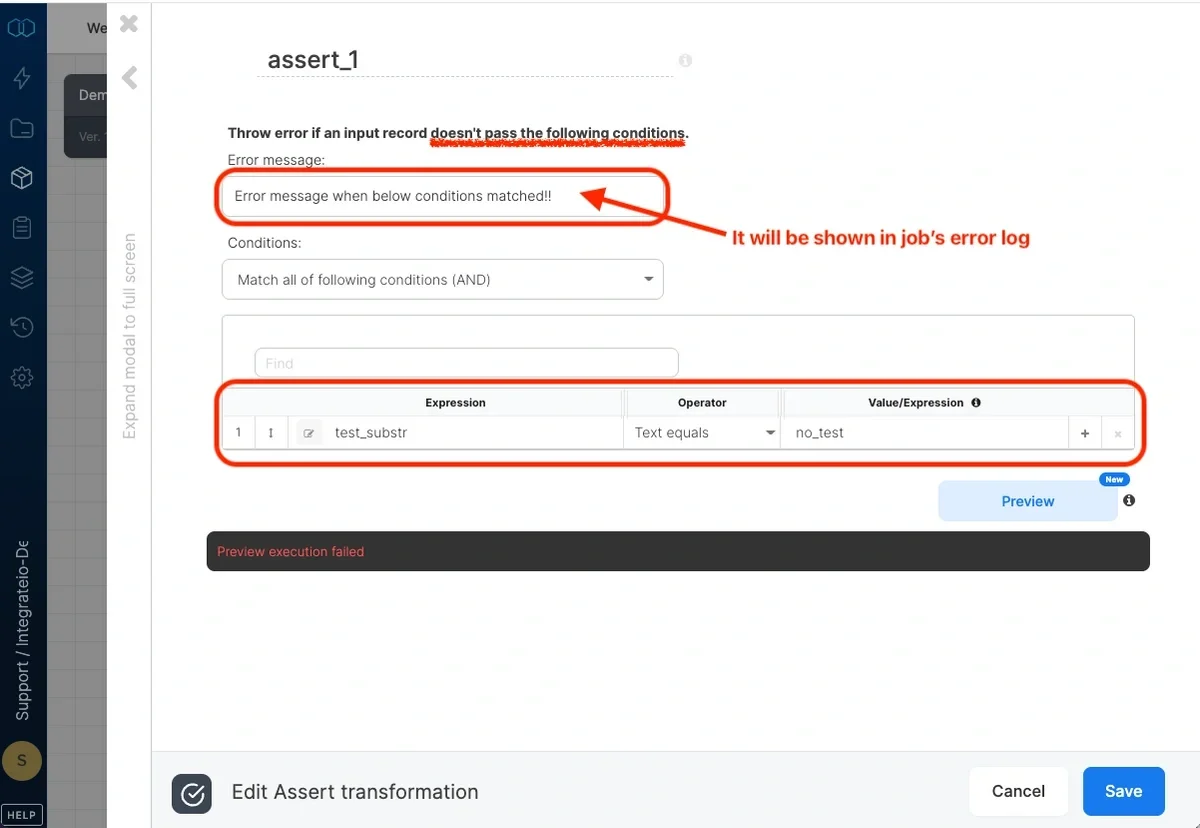
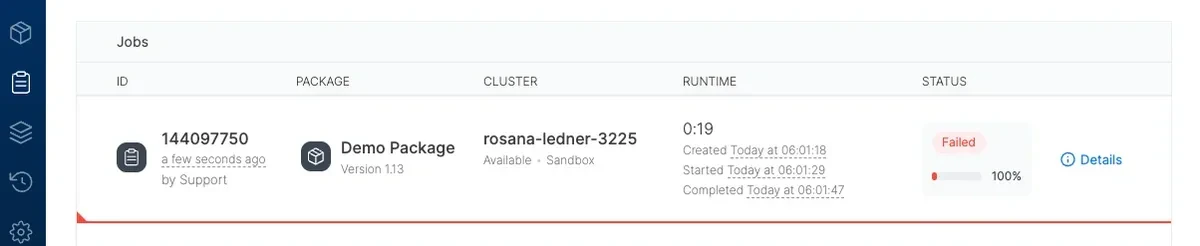
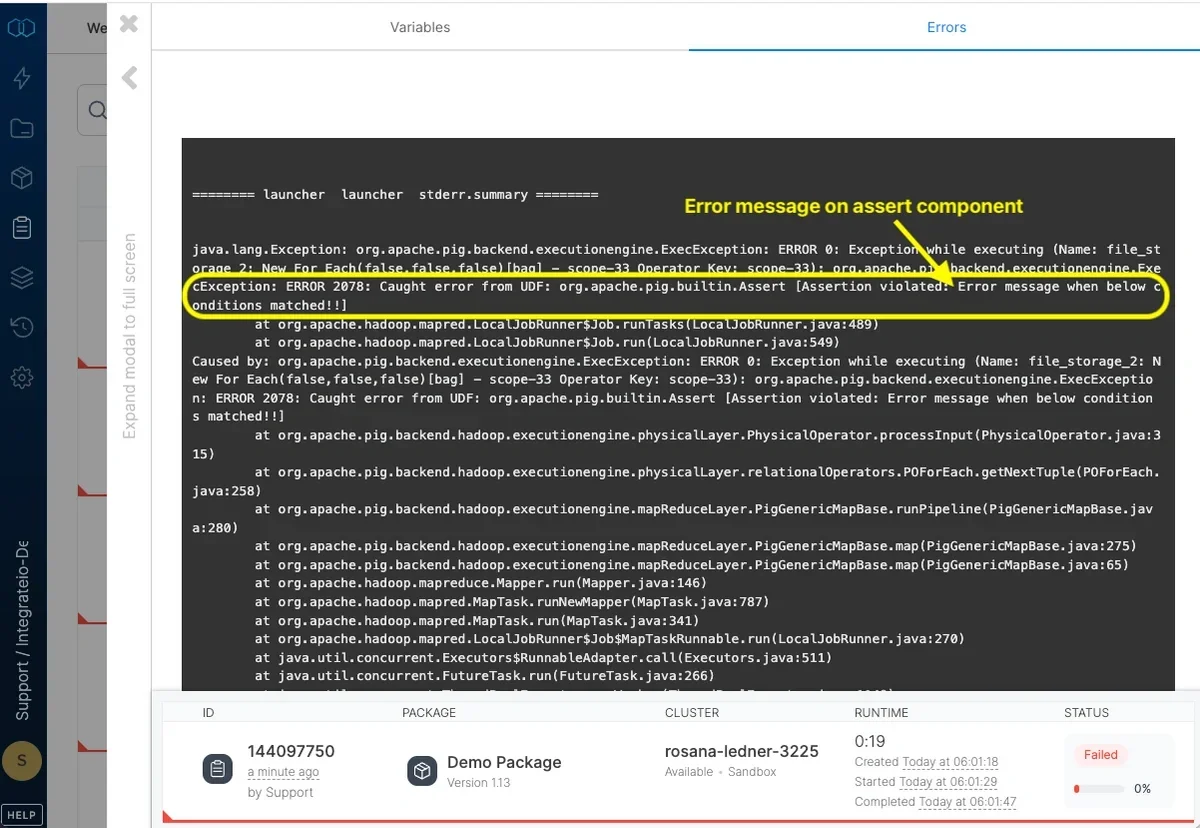
Type the error message that will be thrown to the log if a record does not comply with the conditions you specify below.
Conditions
Logical operator
By default, a record must match all the conditions.
- Match all of the following conditions (AND) - selects records with values that meet all conditions specified (logical “AND”)
- Match any of the following conditions (OR) - selects records with values that meet at least one of the conditions specified (logical “OR”)
- Match none of the following conditions (NOT) - selects records with values that doesn’t meet any of the conditions specified (NOT ( … OR …))
Specifying conditions
Each condition comprises of an expression (or field), a comparison operator, and possibly another value or expression to compare with (depending on the operator).
- Expression (left-hand) - In the dropdown list on the left, select a field or edit an expression. (You can read more about expressions and functions).
- Operator - Select the operator from the following list:
- Value/Expression - with text operators, type the text or pattern to compare to. With other operators, pick a field or edit an expression.
Assert sample
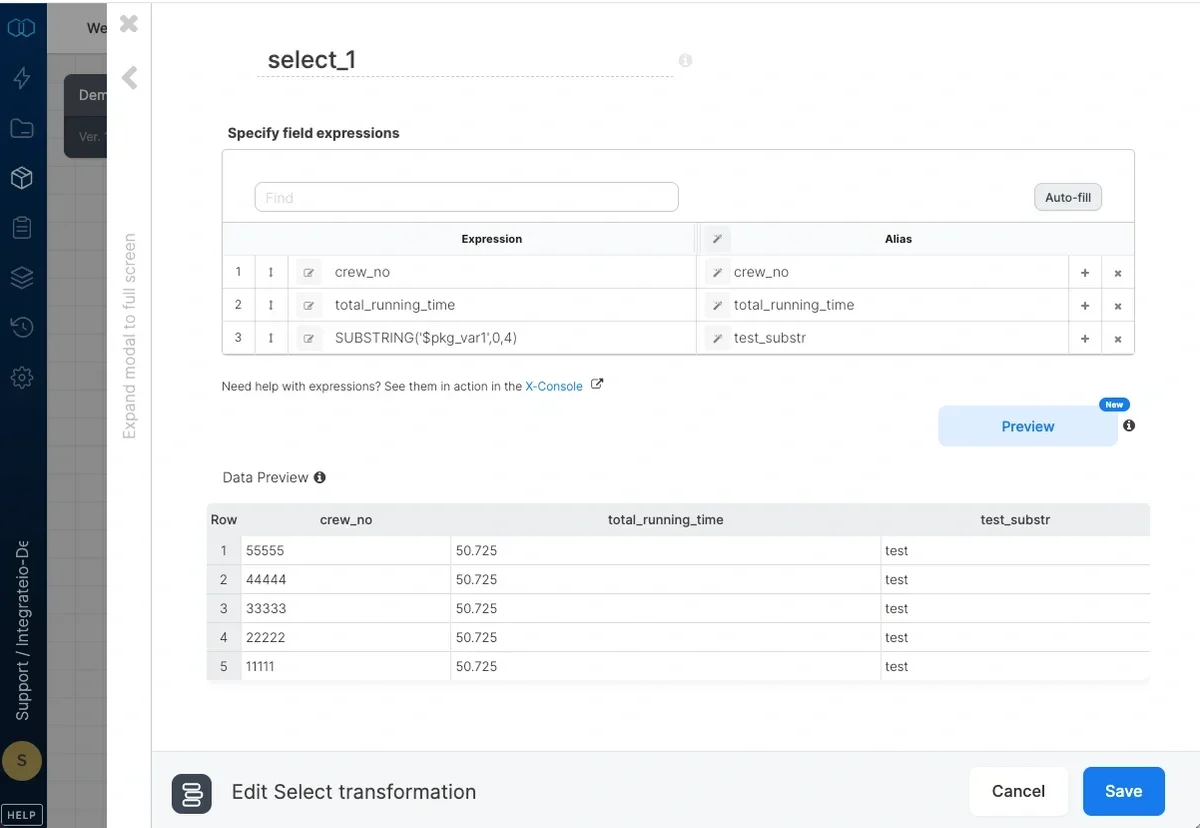
- Set target sample data
- Set error message and assert condition
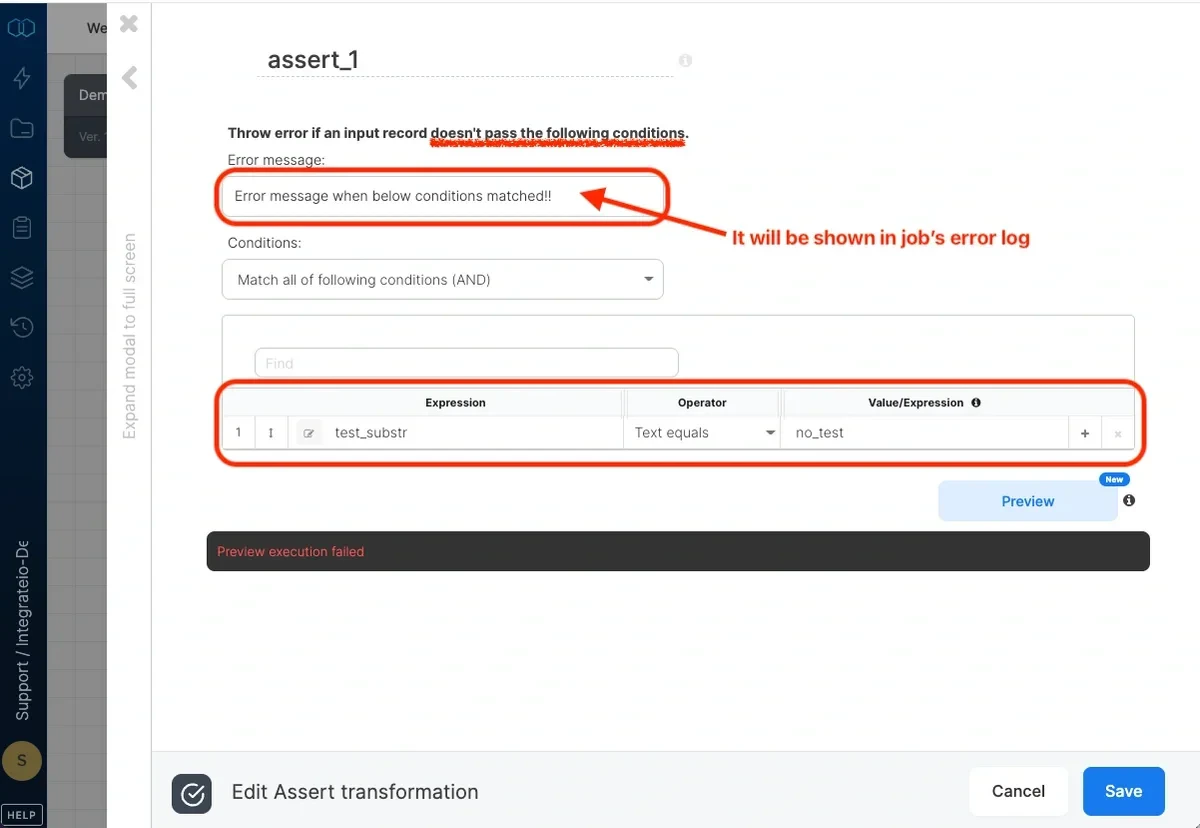
- Assert triggered & error message in error log
Last modified on October 5, 2026