

What is Component Previewer?
Component previewer is a new feature available in the Xplenty package designer, which allows you to preview your data at each transformation component as you build your package. Up until now, you could only preview data on some of our source components. Apart from confirming the output of your transformation components, running a component preview is also a great way to identify issues within your package and your data flow logic.Usage
The usual flow of creating packages and components does not change. Create and manage packages as you usually would, and if you feel the need to peek into your data pipeline, here are the steps:1
Open a package.
2
Open or create a transformation component - it must receive data from other source or transformation components.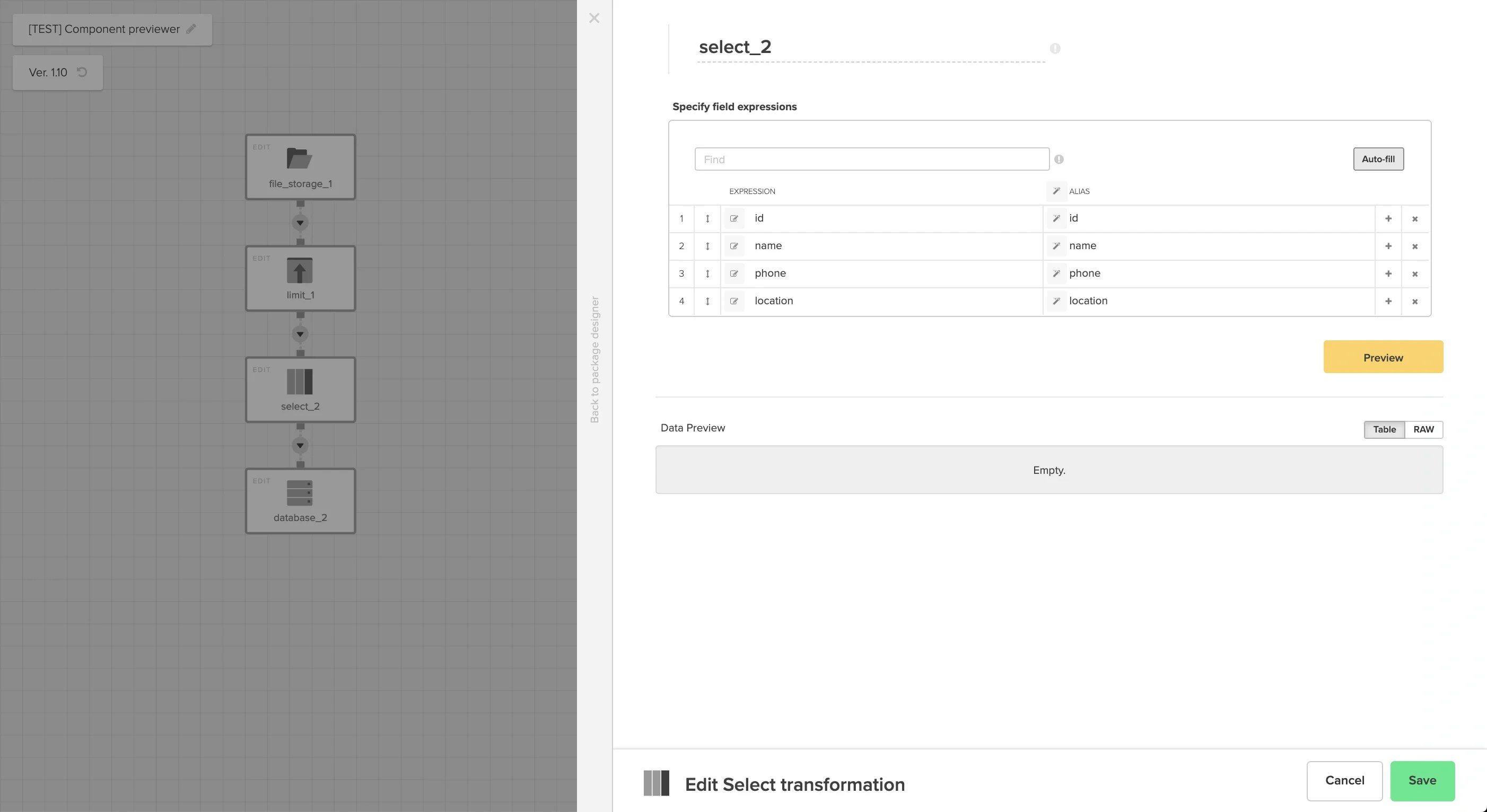
3
Optionally, set the Limit value next to the Preview button to control the number of records returned. The default is 50, and accepted values range from 1 to 1000. Leaving the field empty restores the default.
4
Click the yellow Preview button and wait for the preview to complete. Do not close the component window while the previewer is running.
5
The component displays the preview data once the previewer job completes. If errors occur, the component displays error messages instead.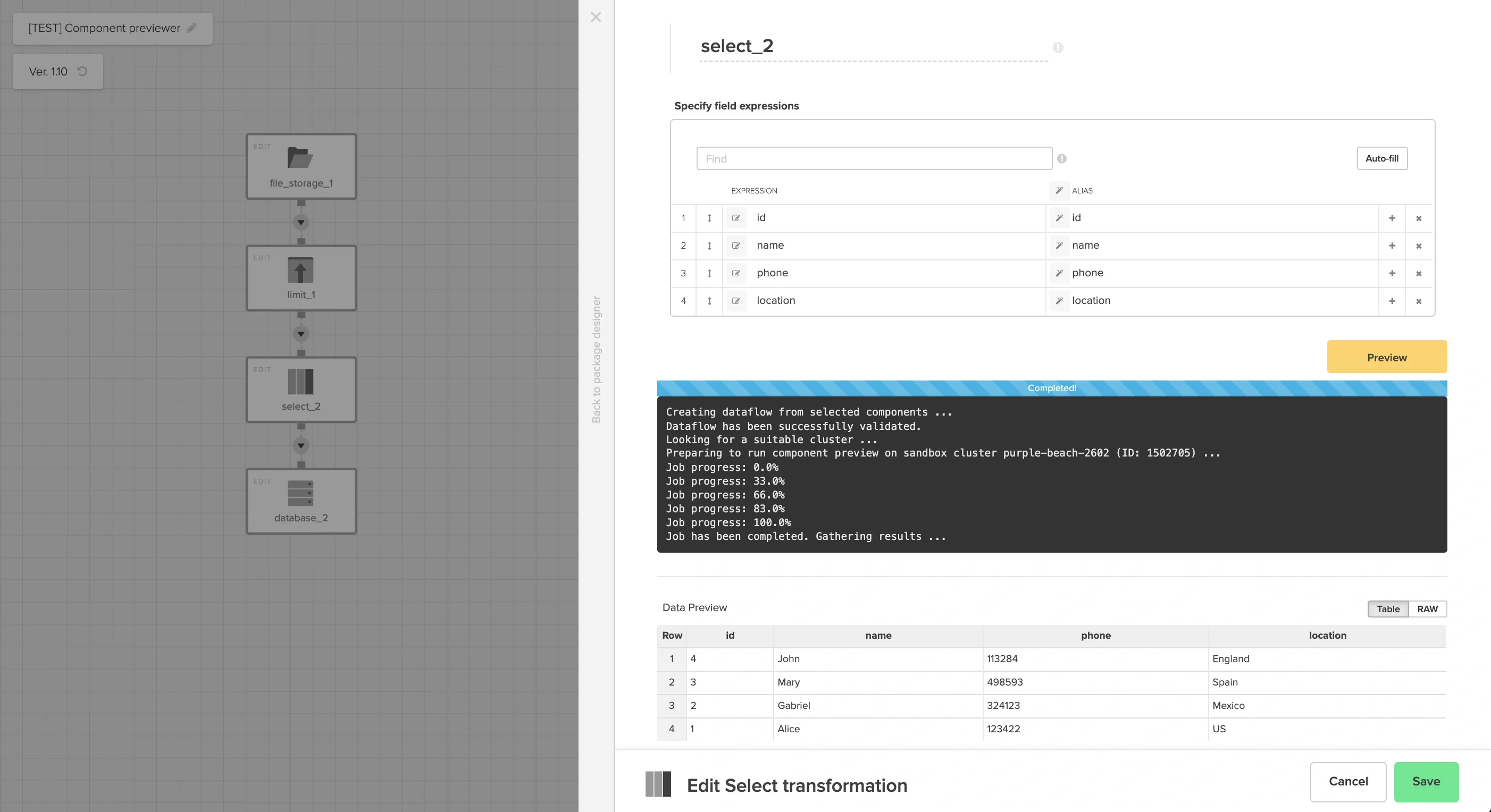
Error logs
The component previewer provides real-time progress of the data preview job. At the end of the preview, the result data appears in a table. If the preview contains an error, the log box shows you the error message. Below are a few examples of package errors during the component preview job.Invalid source component
If the source component is not set up correctly, the preview will fail validation. In this example, the source connection is present but source properties and the schema section are not complete.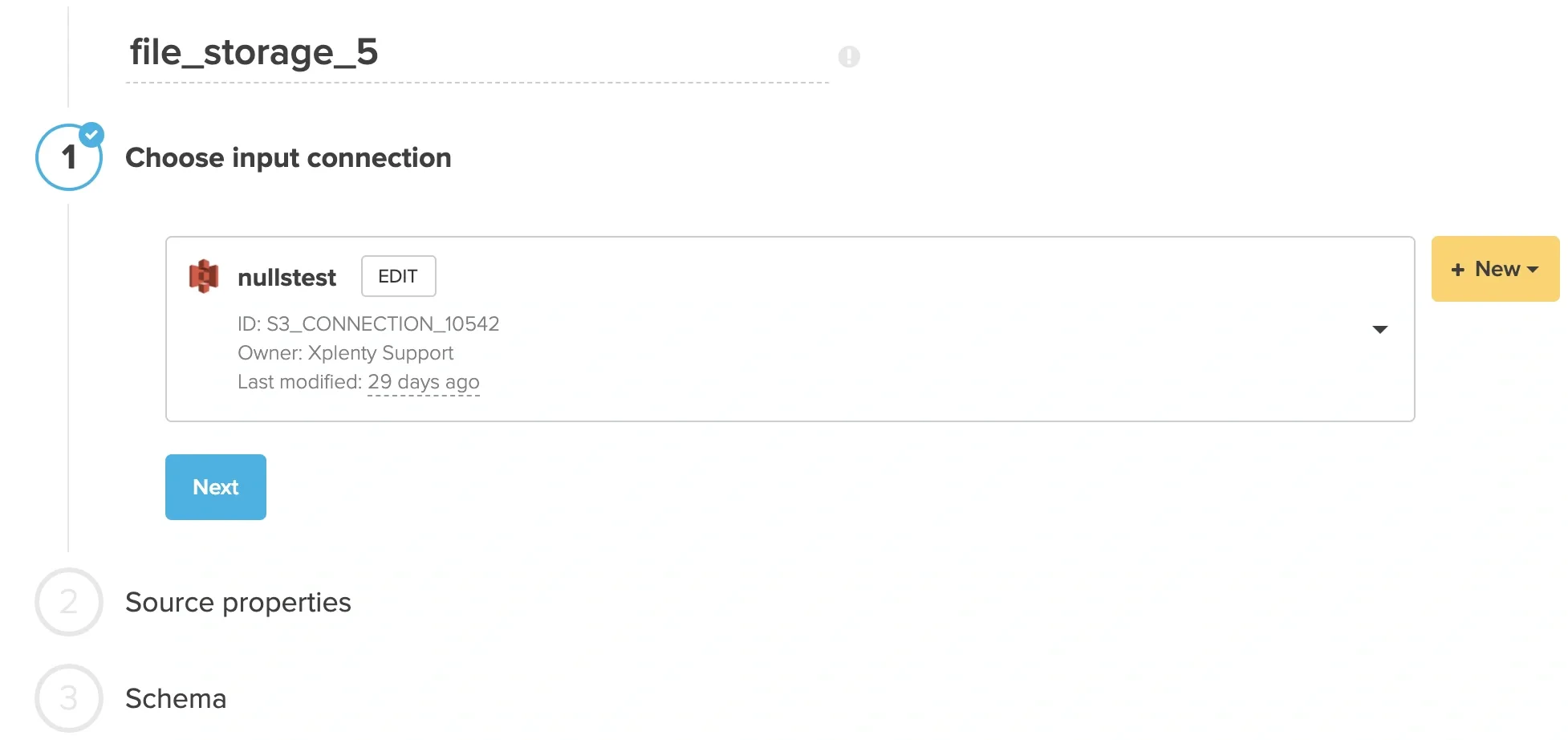

Transformation component produces no data
In this scenario, a transformation component in the preview path produces no data. For example, a Filter component might have filtered out all data. Below are the logs which would be shown in this case.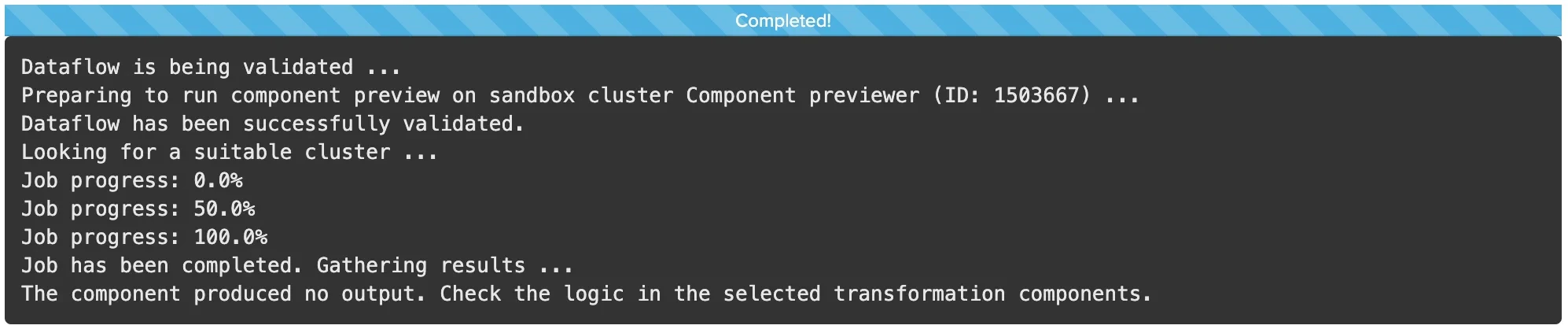
Assertion error when using the Assert component
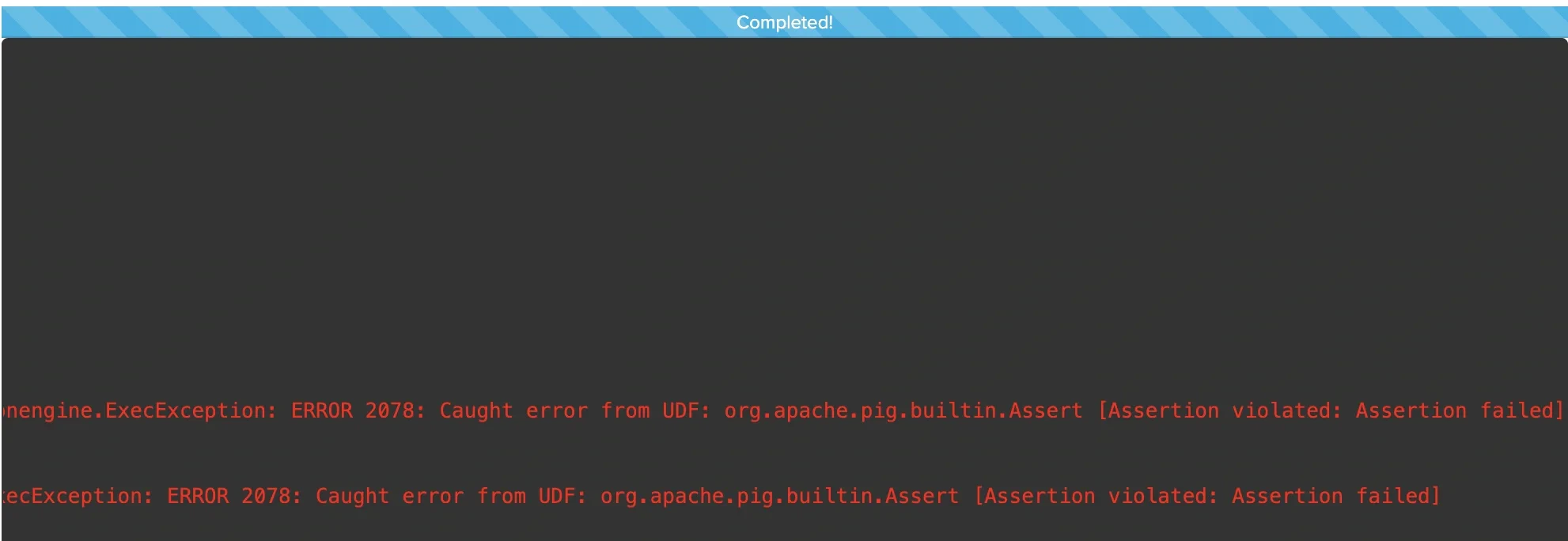
The Assert component allows you to ensure that data from a source complies with certain conditions before loading it into another component. If the source data doesn’t meet these conditions, the job fails with an assertion failure. Similarly, when you preview an Assert component, the preview job fails if the conditions are not met. The example below shows a preview failure when the source data does not meet a specified condition.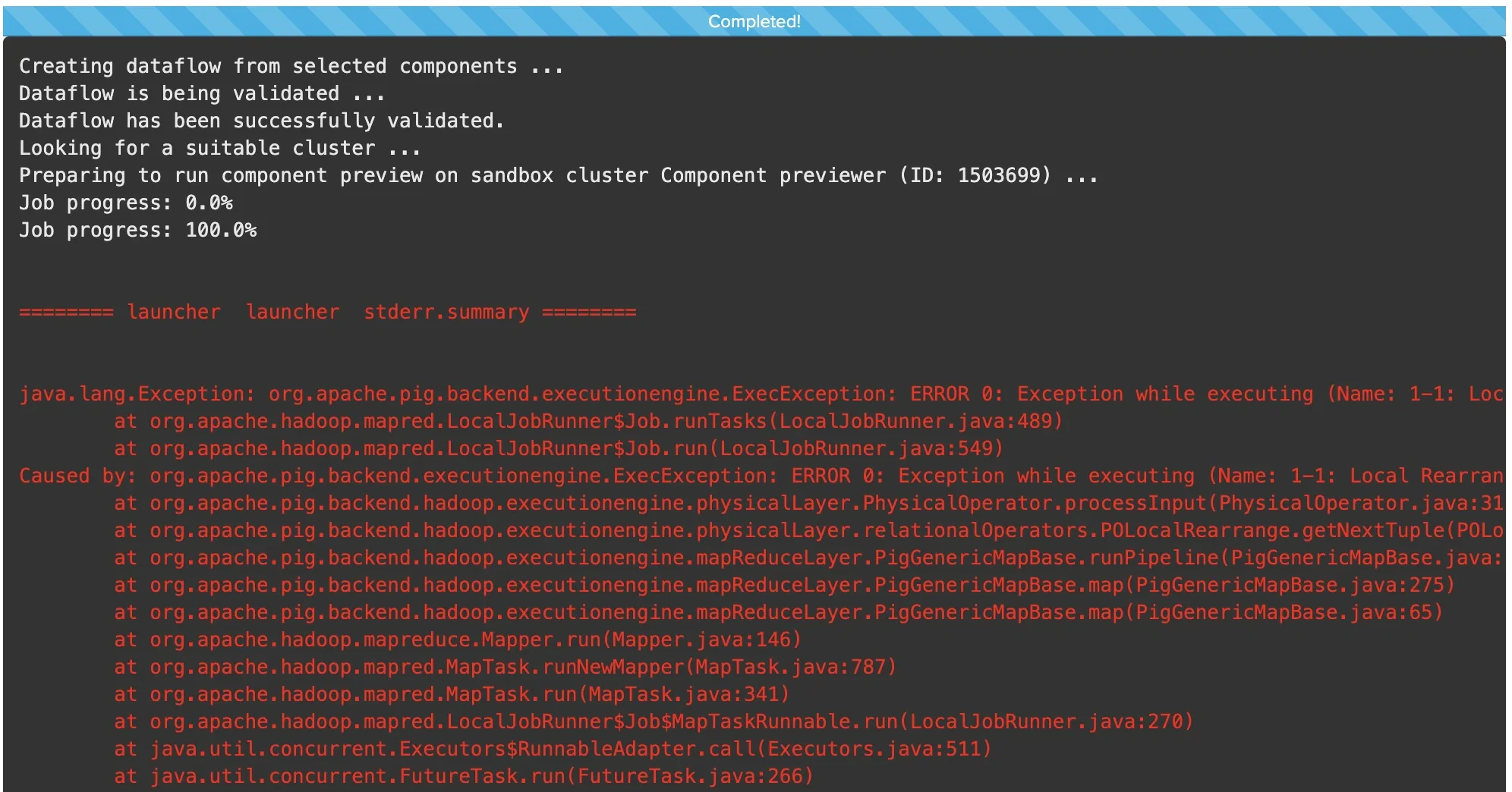
Limitations
Administrative
- Accounts using the component previewer feature must have a sufficient subscription level to allow for the creation of at least 1 sandbox cluster.
Practical
Component previewer is known to fail given the following conditions:- Using BingAds or Google Adwords source connections
- BigQuery source data contains date
- BSON in source data (e.g. in MongoDB)
- RestAPI source component has package variable in request header field (e.g. Authorization $access_token)
- Source data has 100 rows with a date column
- First 50 rows have date “1st July”, next 50 rows have “3rd July”
- Previewer uses the first 50 rows as sample data - only “1st July” dates
- Component previewer on an Aggregate component which counts occurrence of each date will output
date | count
1st July | 50 - In a standard job, the output would be
date | count
1st July | 50
3rd July | 50