

1
First, allow Integrate.io ETL access to the service or data repository. This may require setting up firewall rules, opening SSH tunnels or creating users with minimum required permissions. Read more about allowing Integrate.io ETL access to your data repositories here.
2
Once Integrate.io ETL is allowed access, you should set up a new connection in Integrate.io ETL:
- Click `Connections` icon on the main left menu and then click New connection.
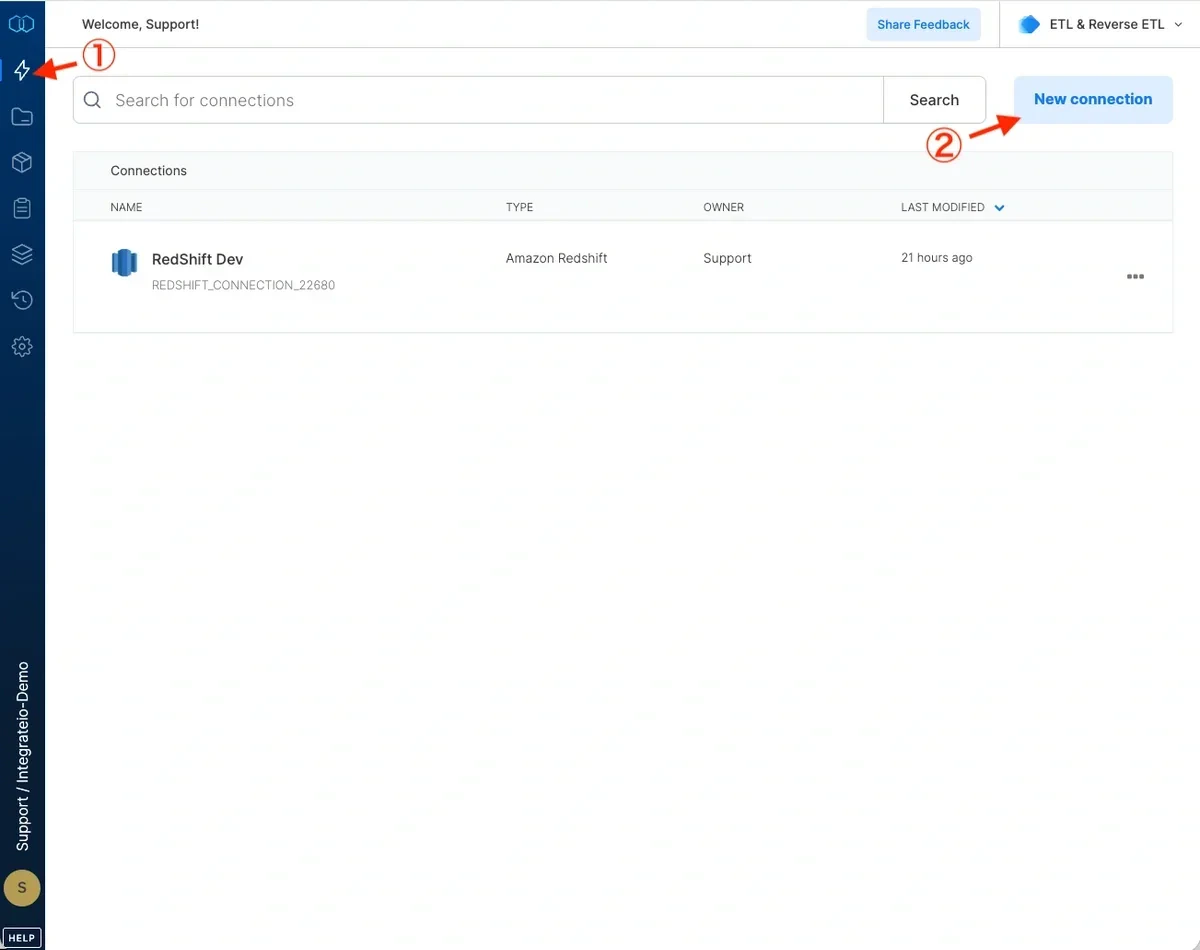
- Click new connection.
- Select your connection type
- Fill in the required fields.
- Test your connection and save it.
- Now you can use your new connection in packages.