- Set variable for connection on package
- Set variable for connection on workflow
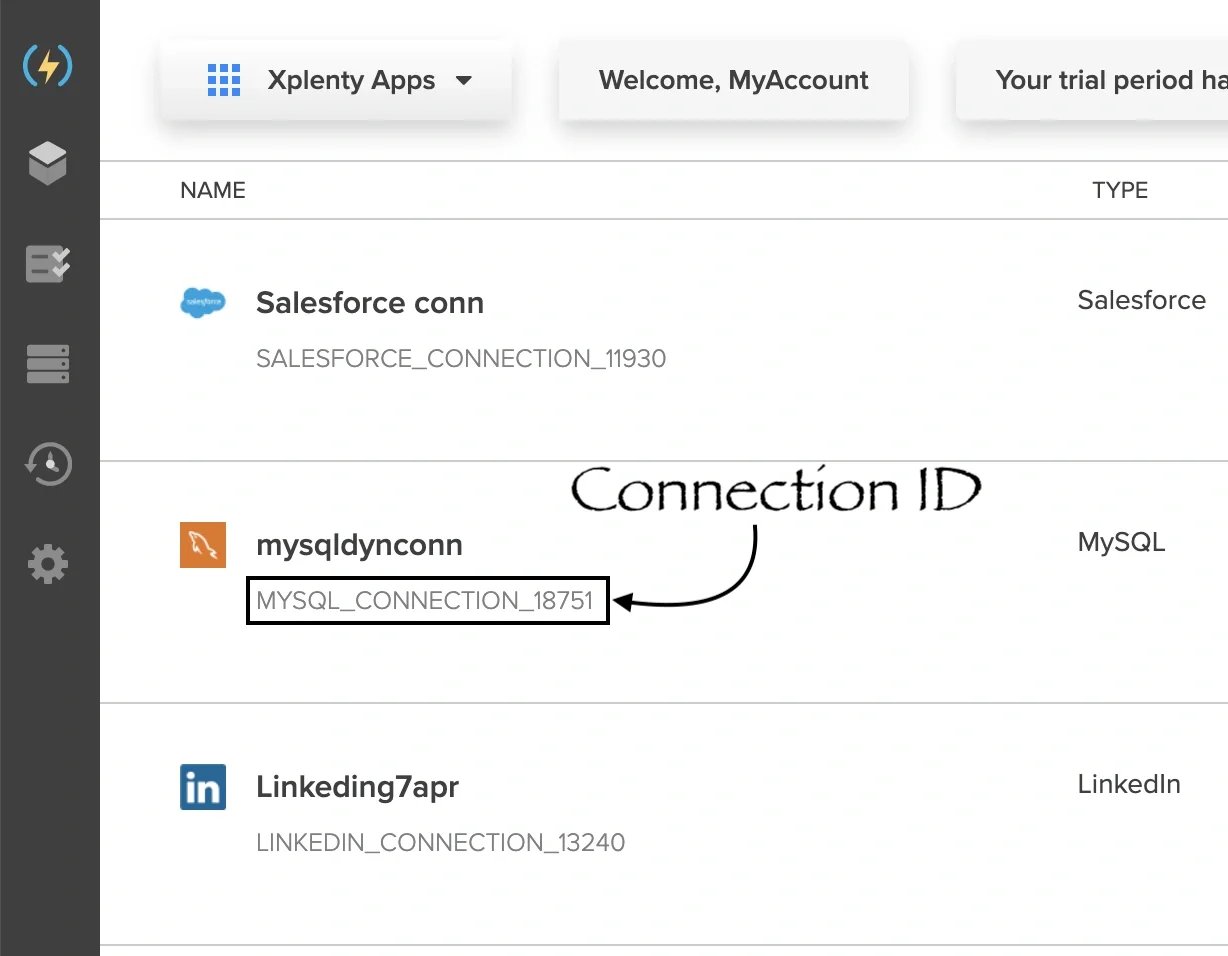
- Find connection IDs
- Update variable value
1
Open any existing package or create a new one.
2
Add a database source or destination component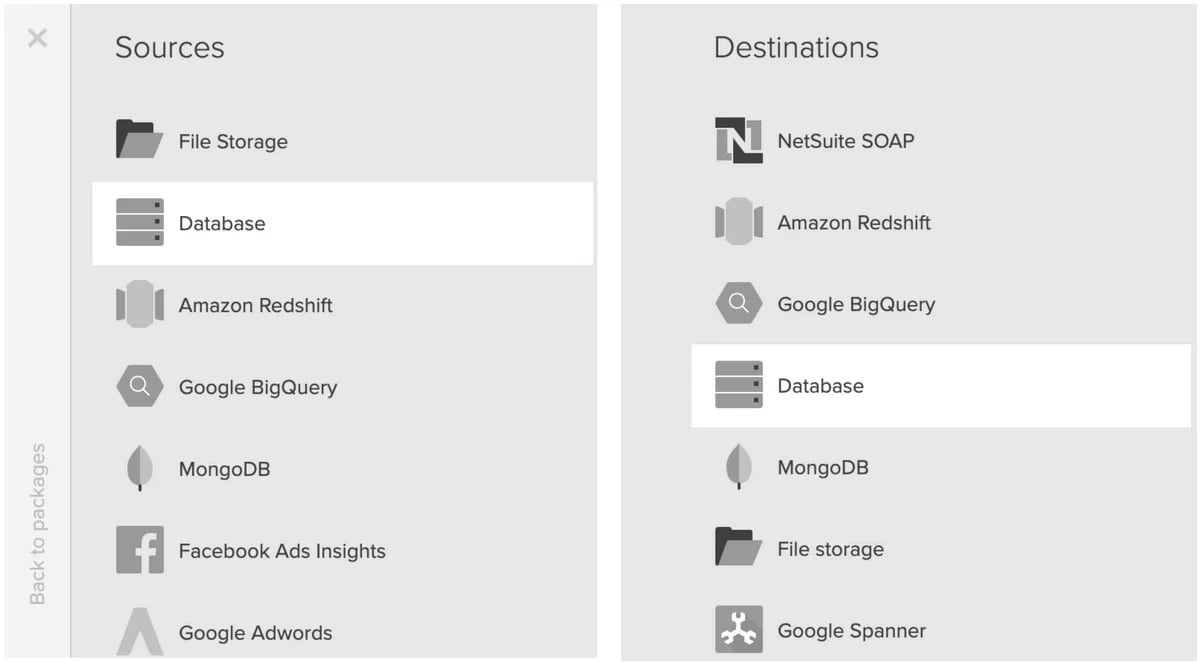
3
Open the component and specify any available connection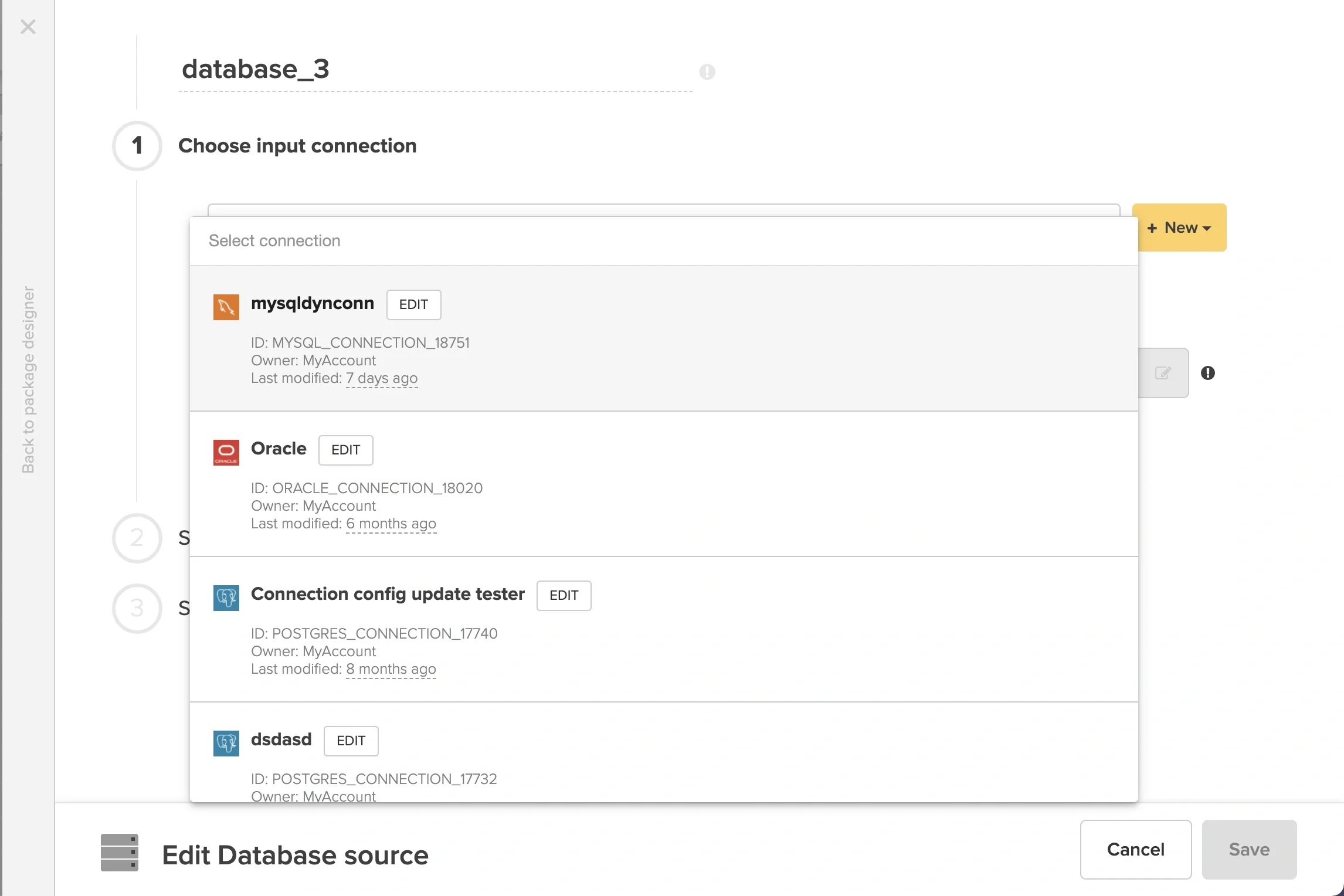
4
Check the checkbox for “Set variable for connection”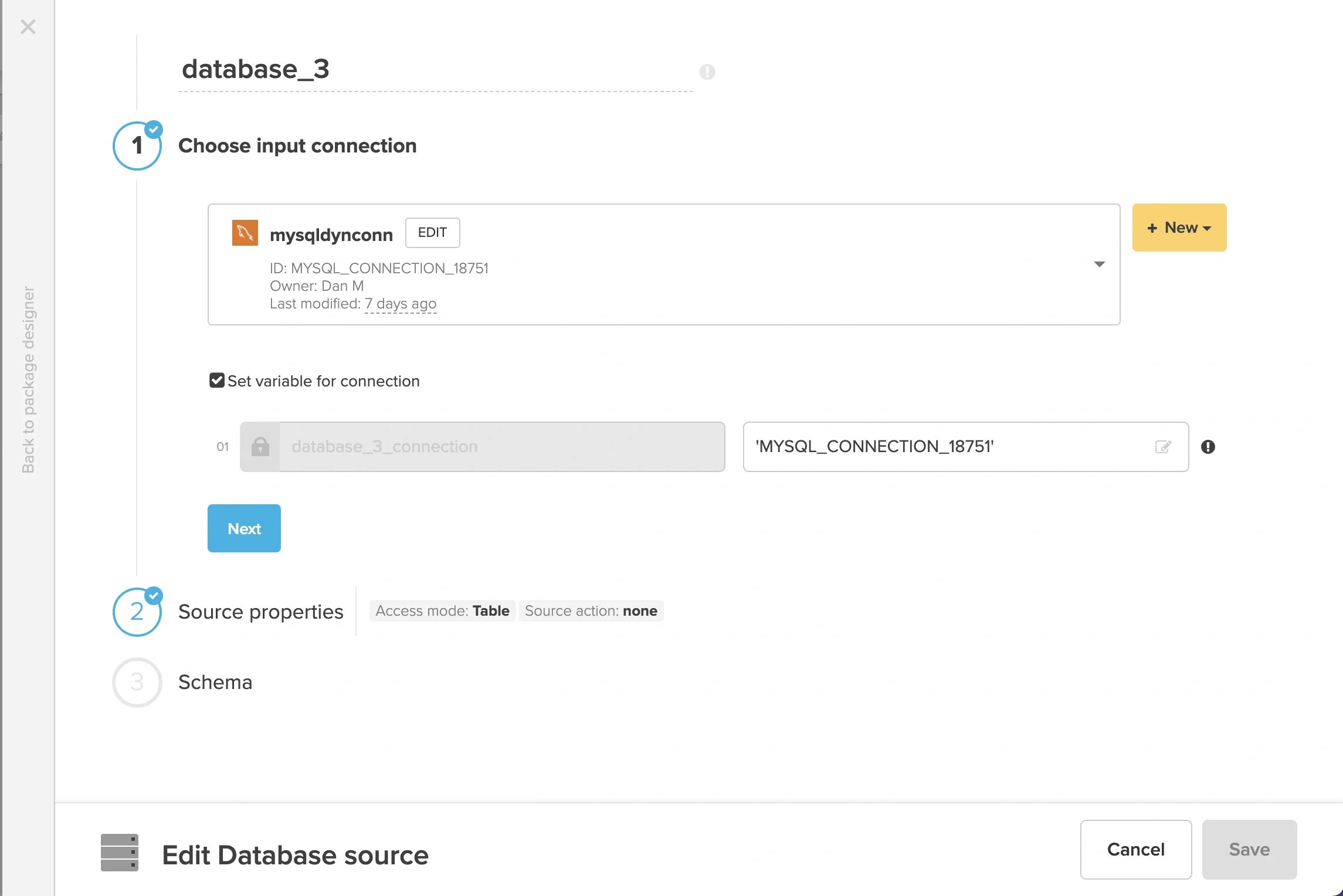
- It is not possible to change the variable name.
- The value of the variable defaults to the connection ID from the connection dropdown.
5
Configure “Source properties” and “Schema” sections, then “Save” the component.
6
Configure the rest of the package as needed, then “Save” the package.
1
Open any existing package or create a new one.
2
Add a SQL task component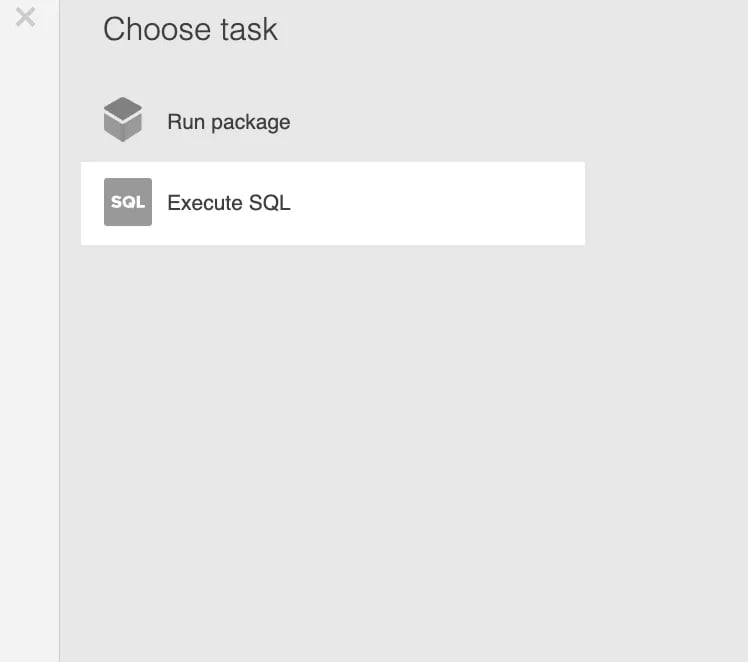
3
Open the component and specify any available connection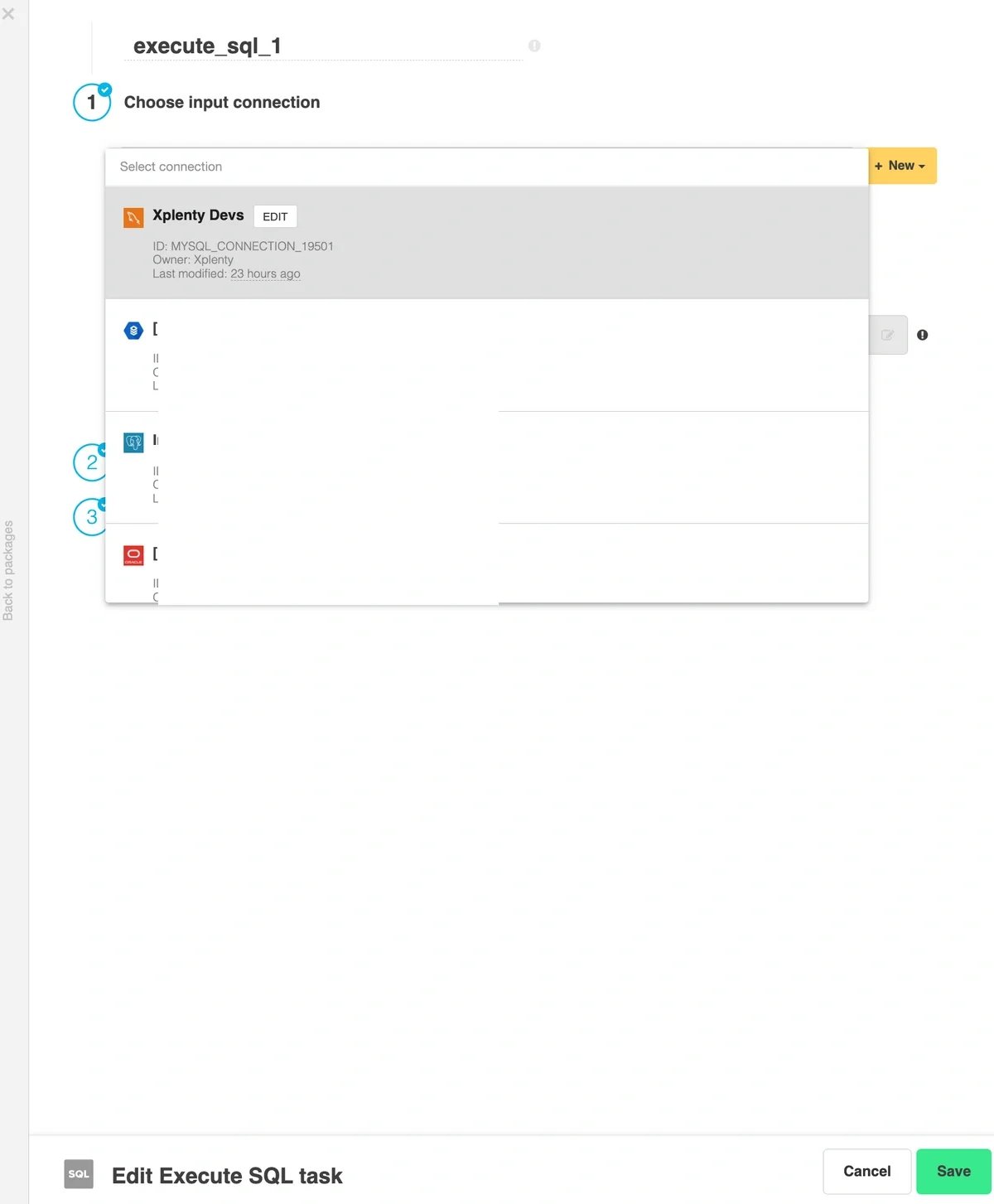
4
Check the checkbox for “Set variable for connection”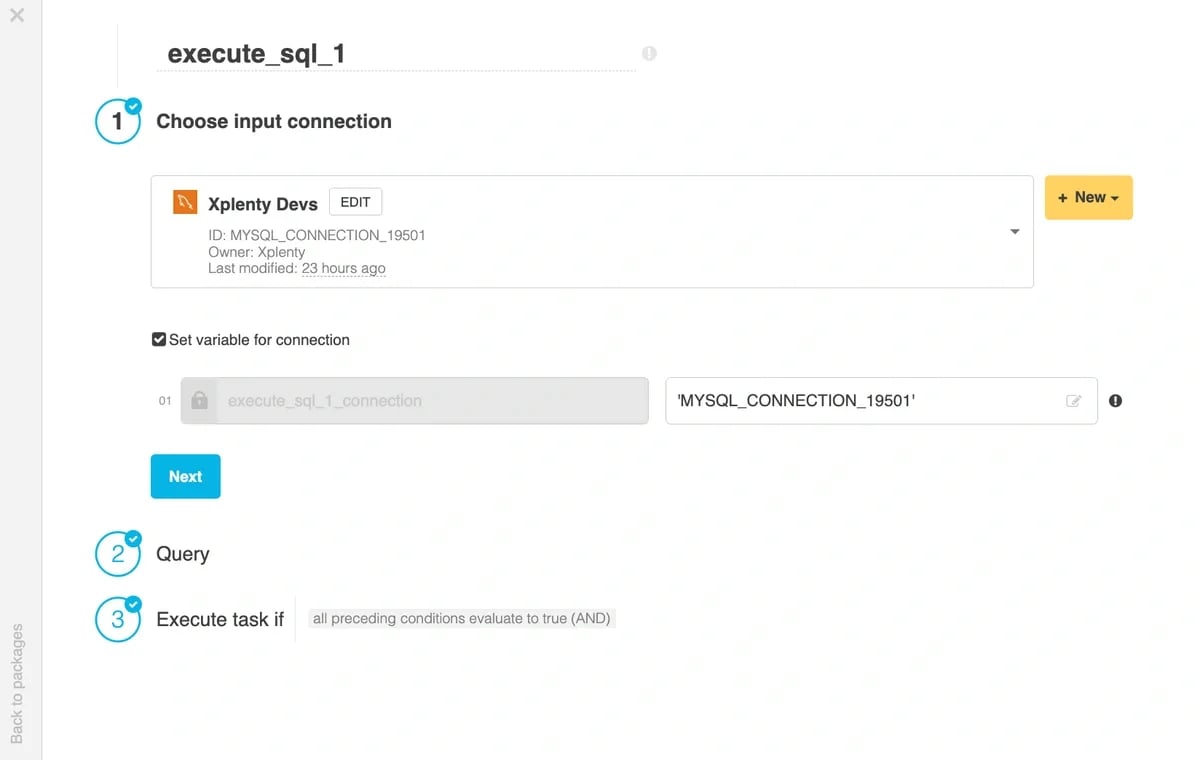
- It is not possible to change the variable name.
- The value of the variable defaults to the connection ID from the connection dropdown.
5
Configure “Query” and “Execute task if” sections, then “Save” the component.
6
Configure the rest of the workflow as needed, then “Save” the workflow.
1
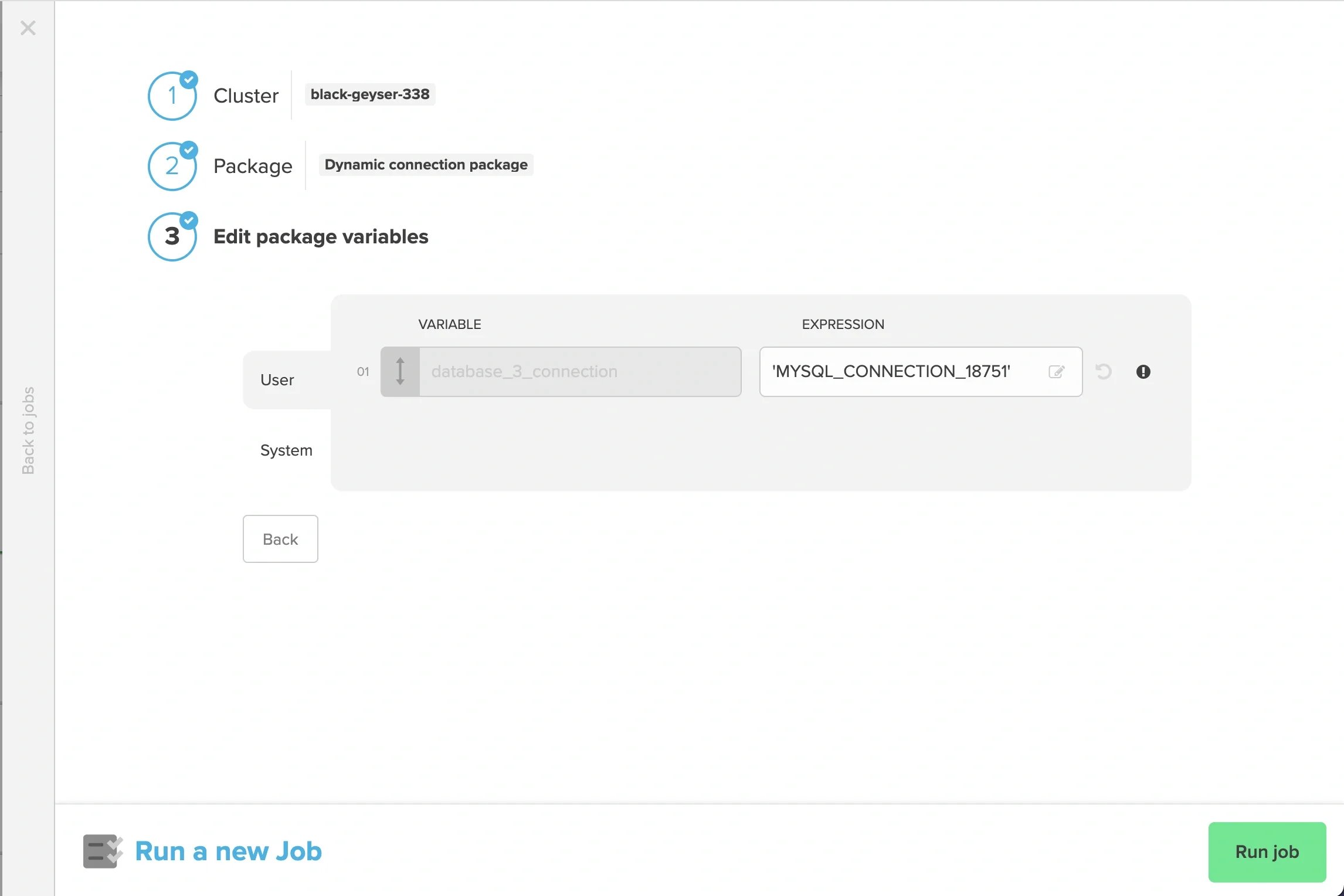
When running a job, “Run job” in the package designer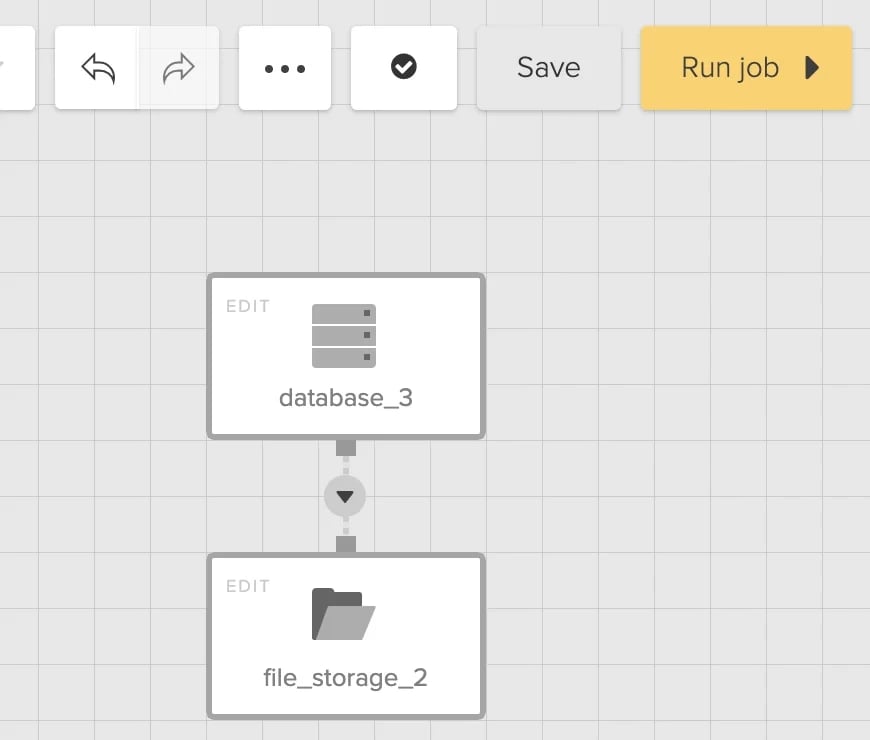
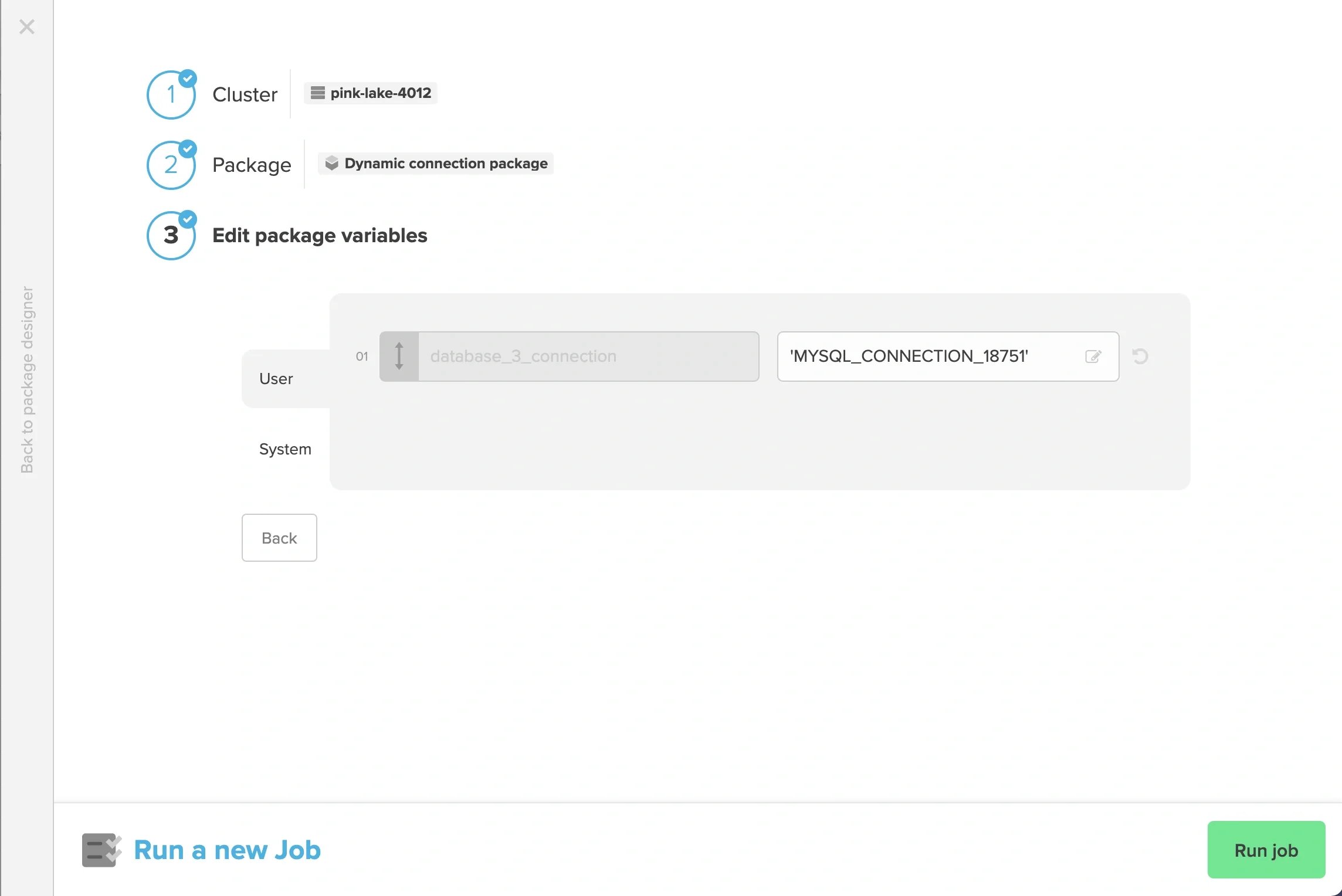
2
“Run job” on the Packages page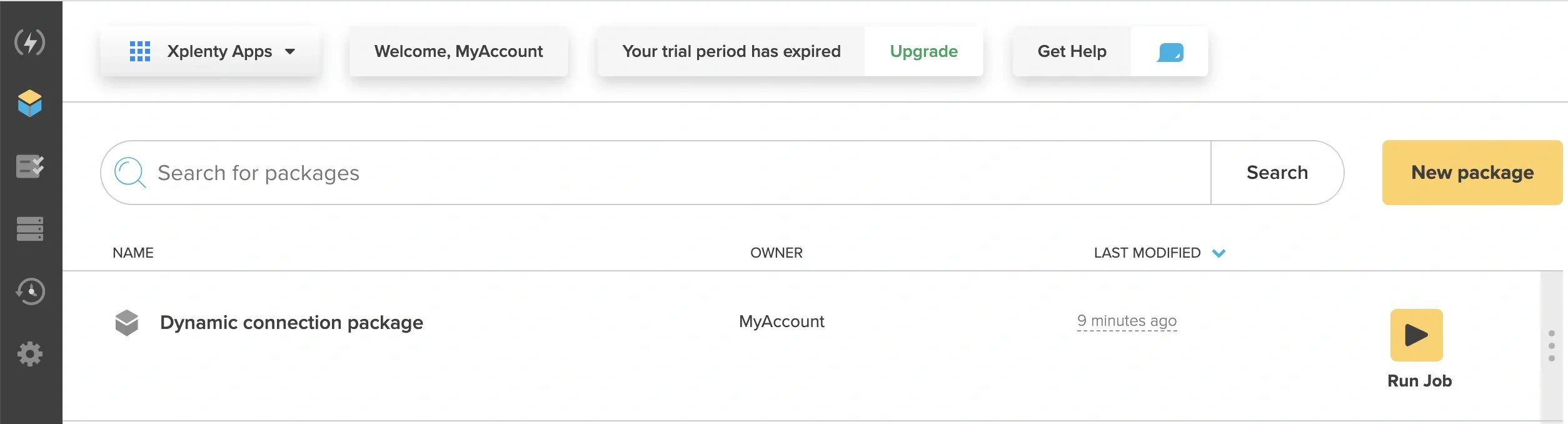
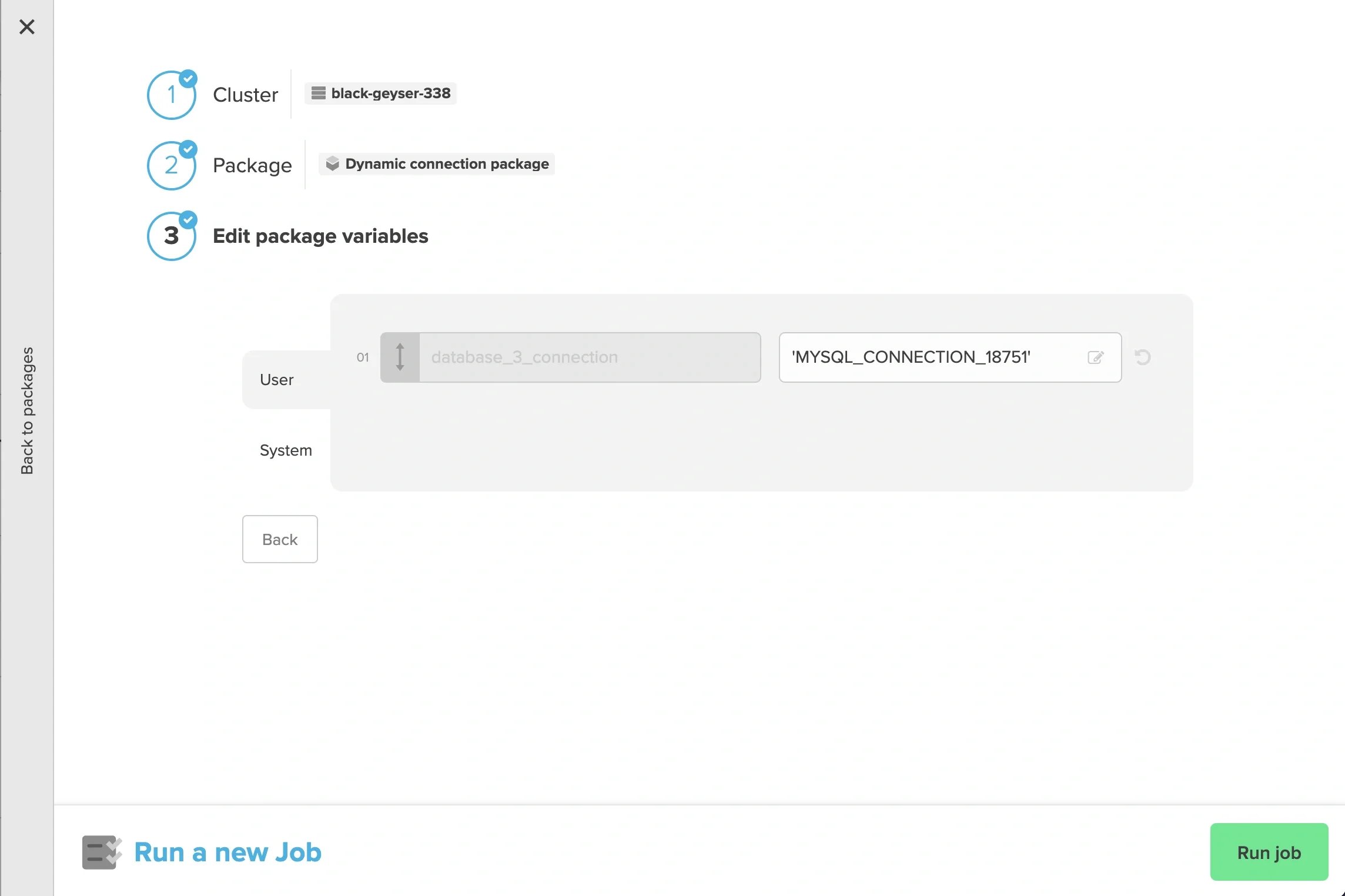
3
“Run job” on the Jobs page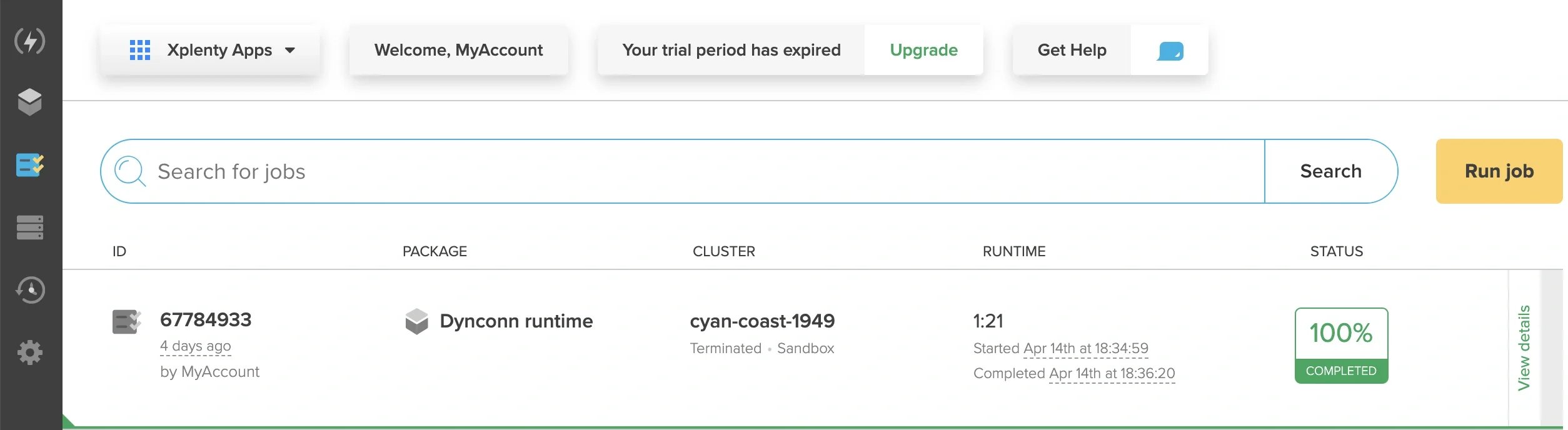
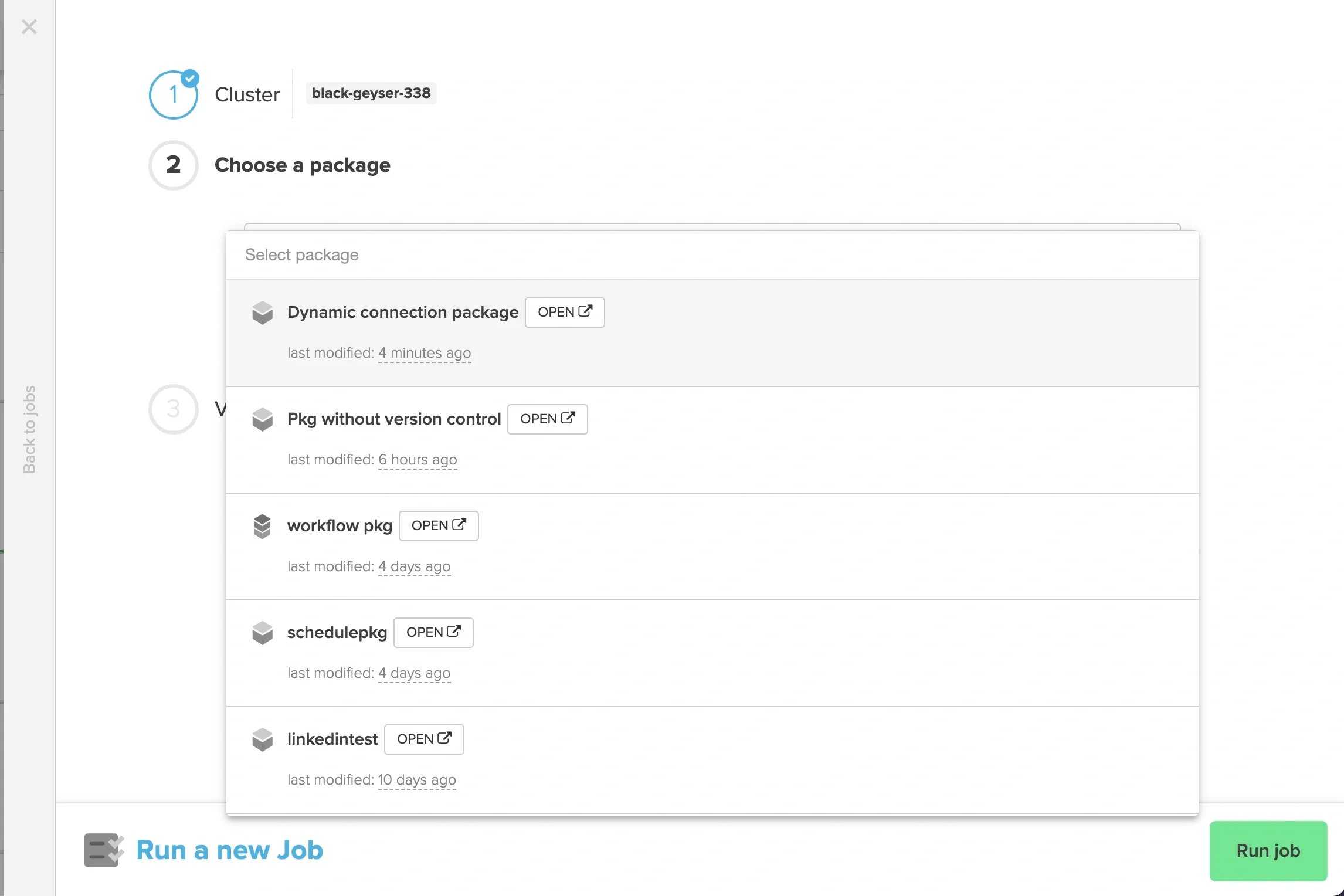
4
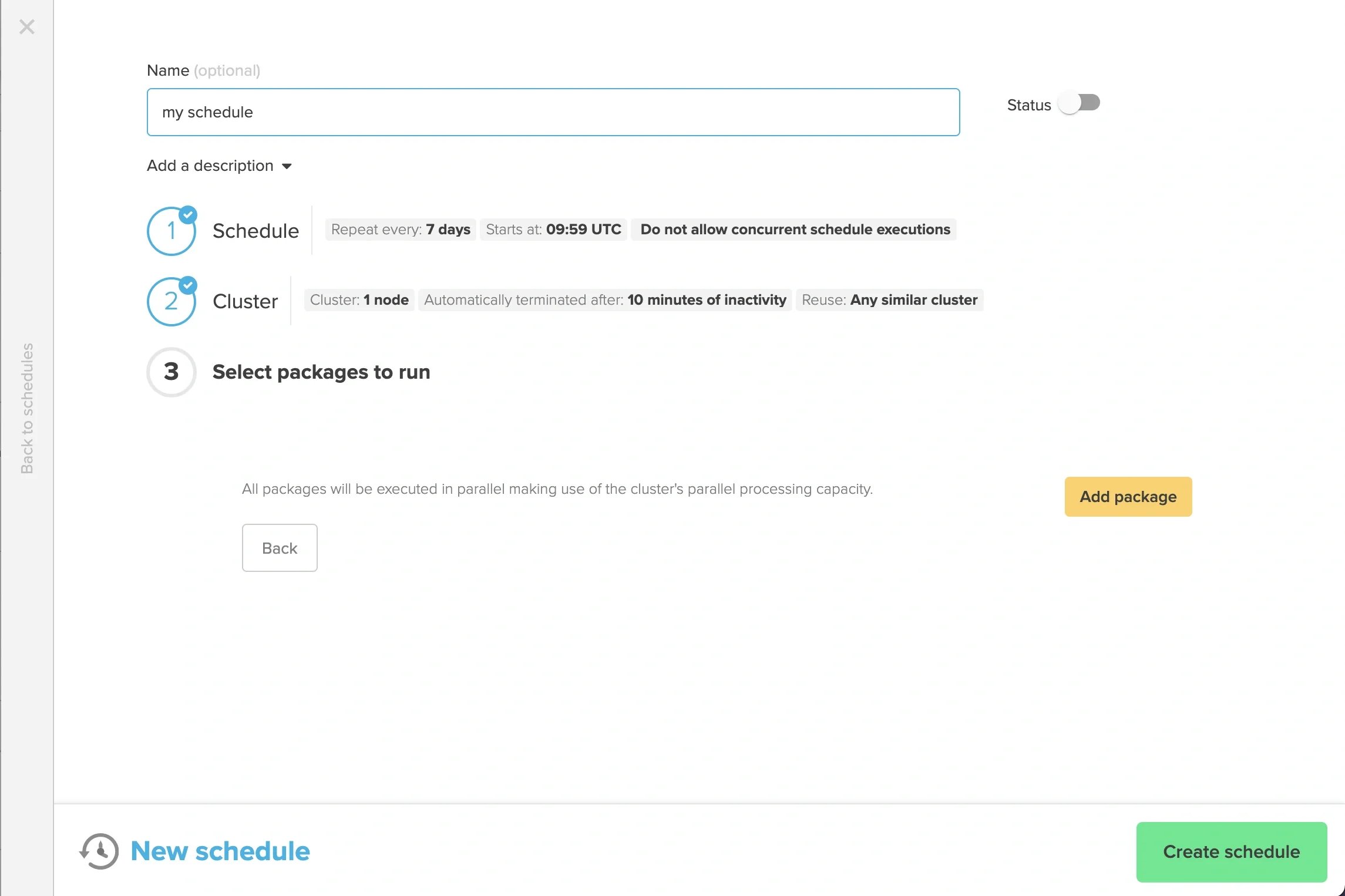
When creating a schedule, “Add package” in the “New schedule” window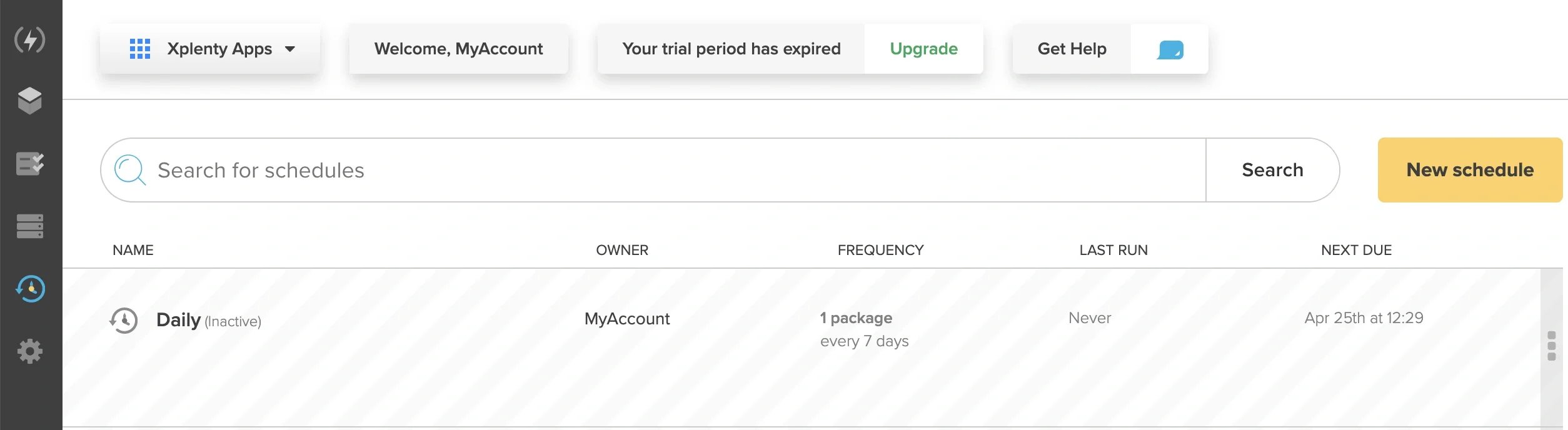
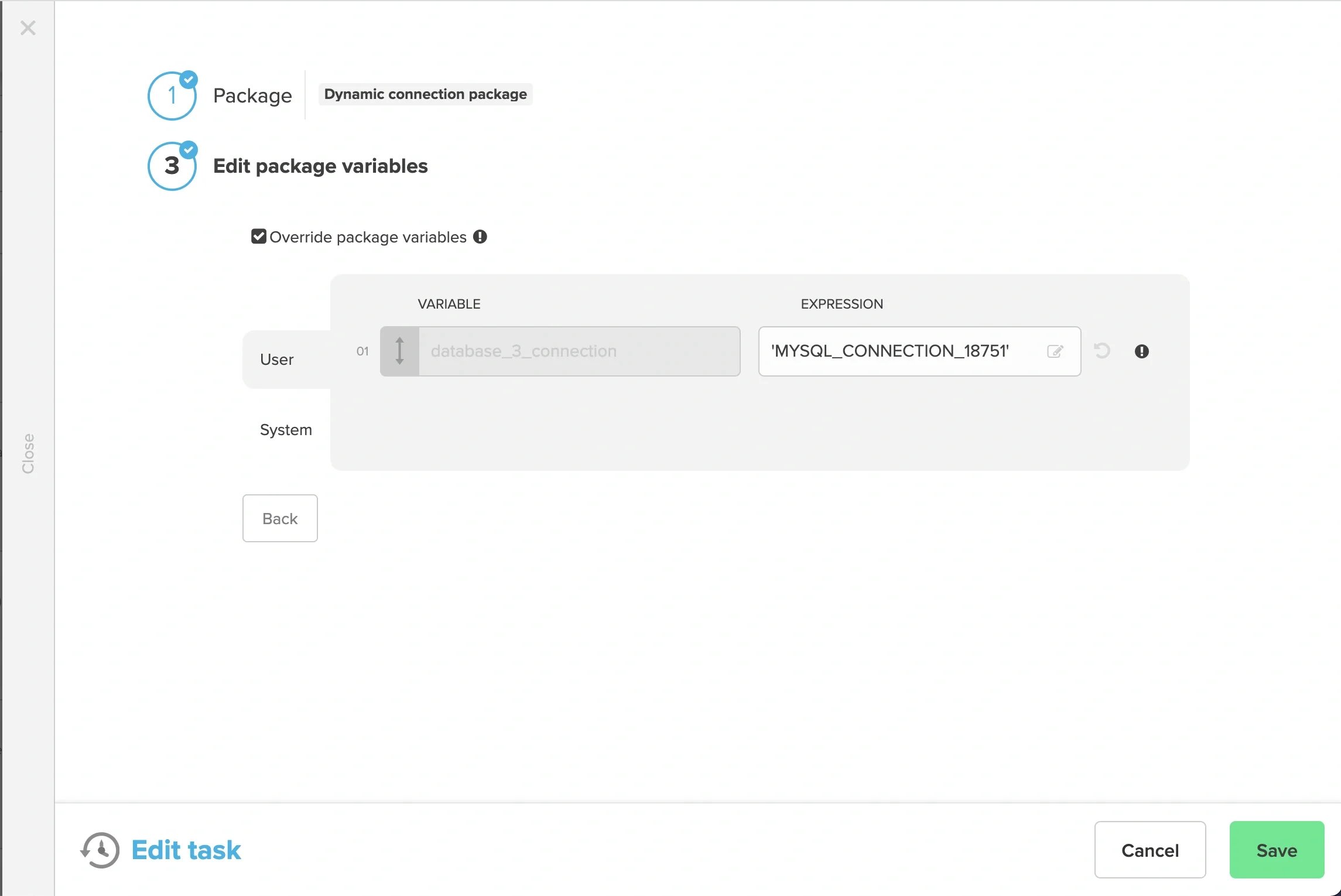
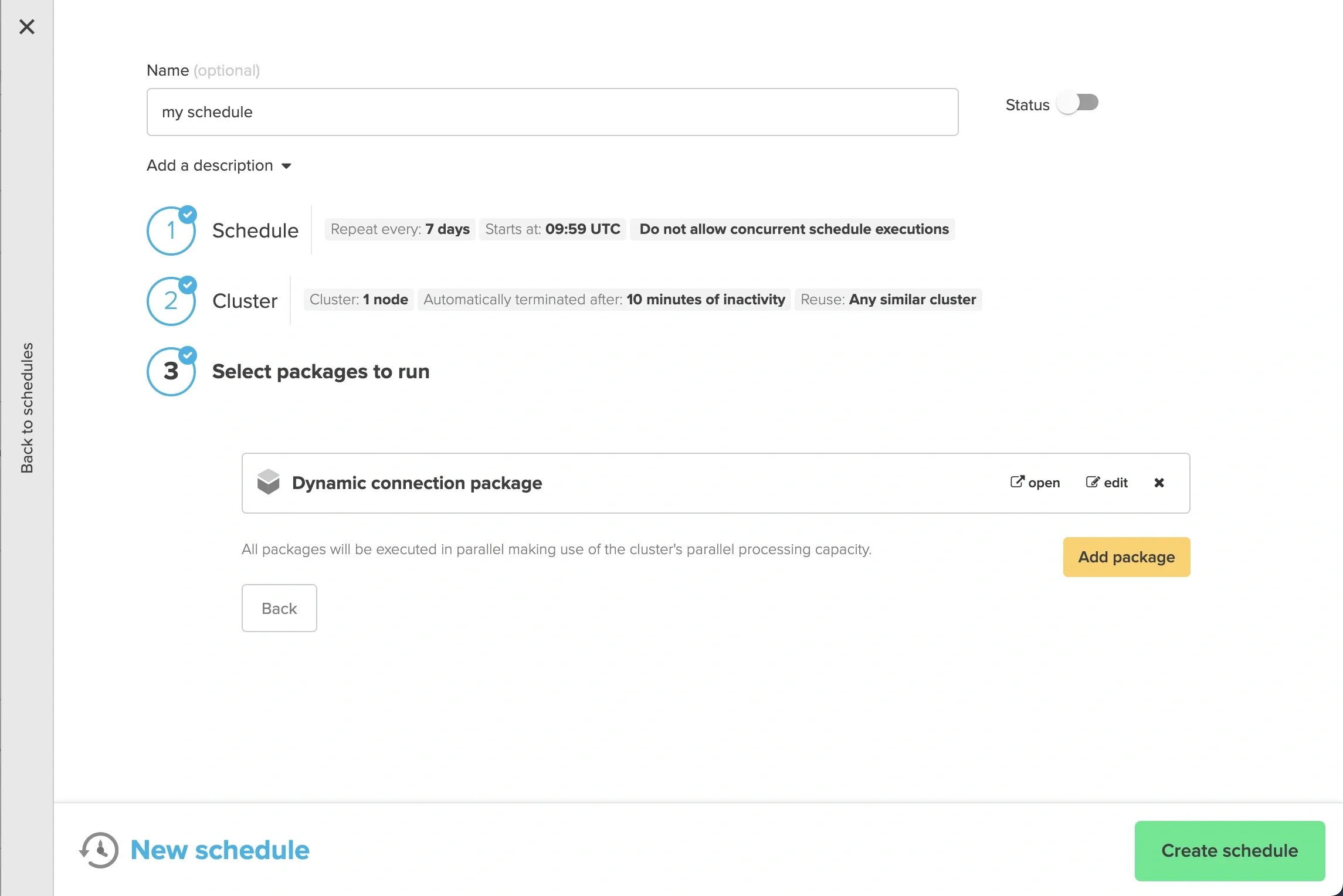
5
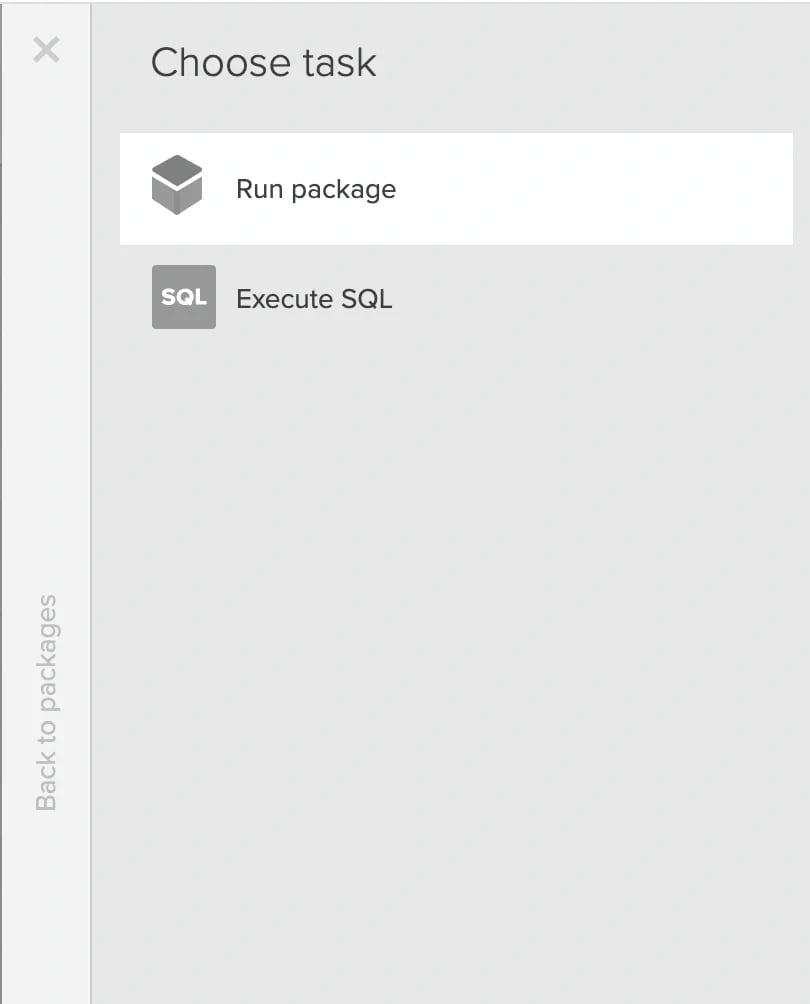
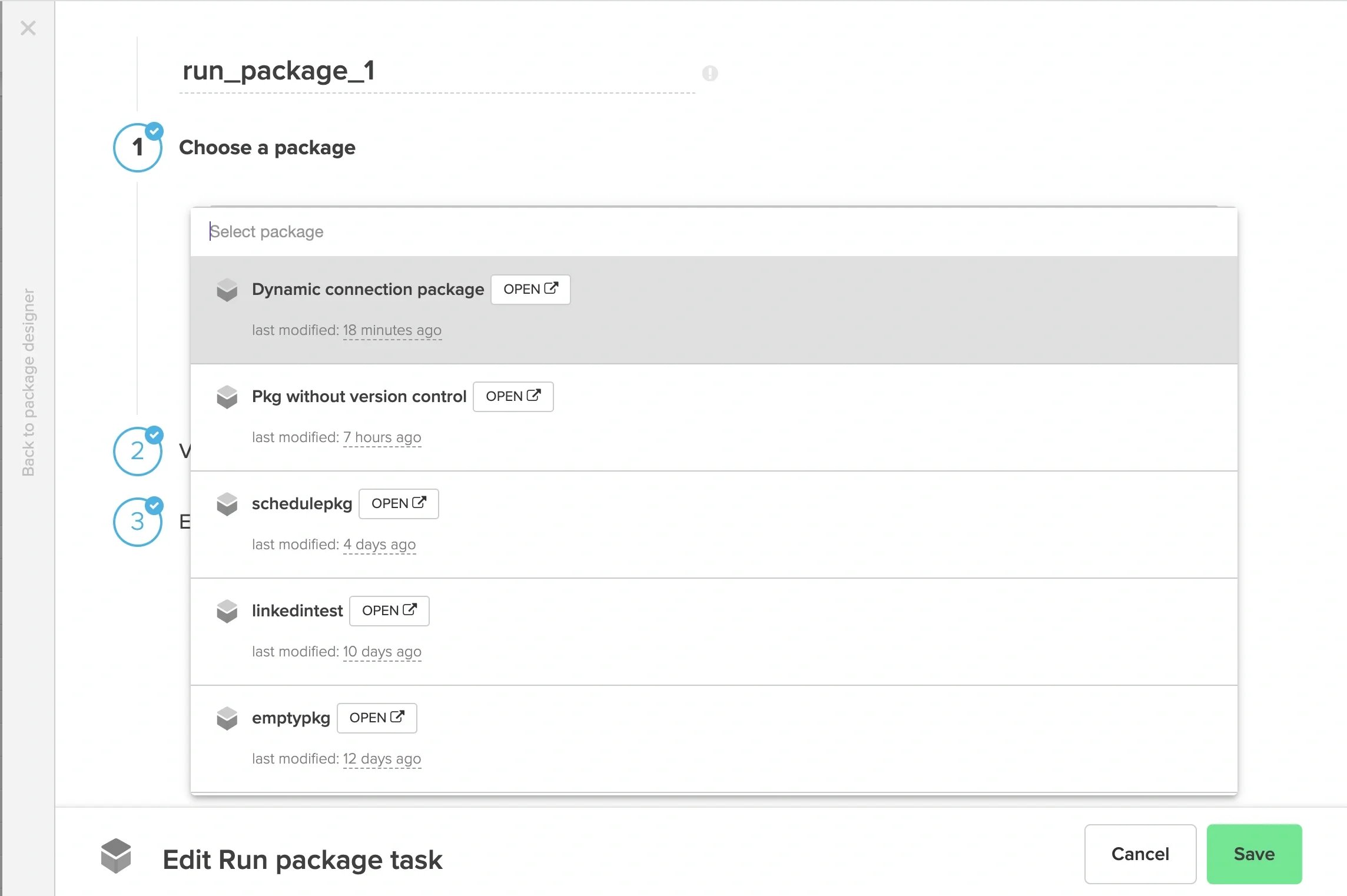
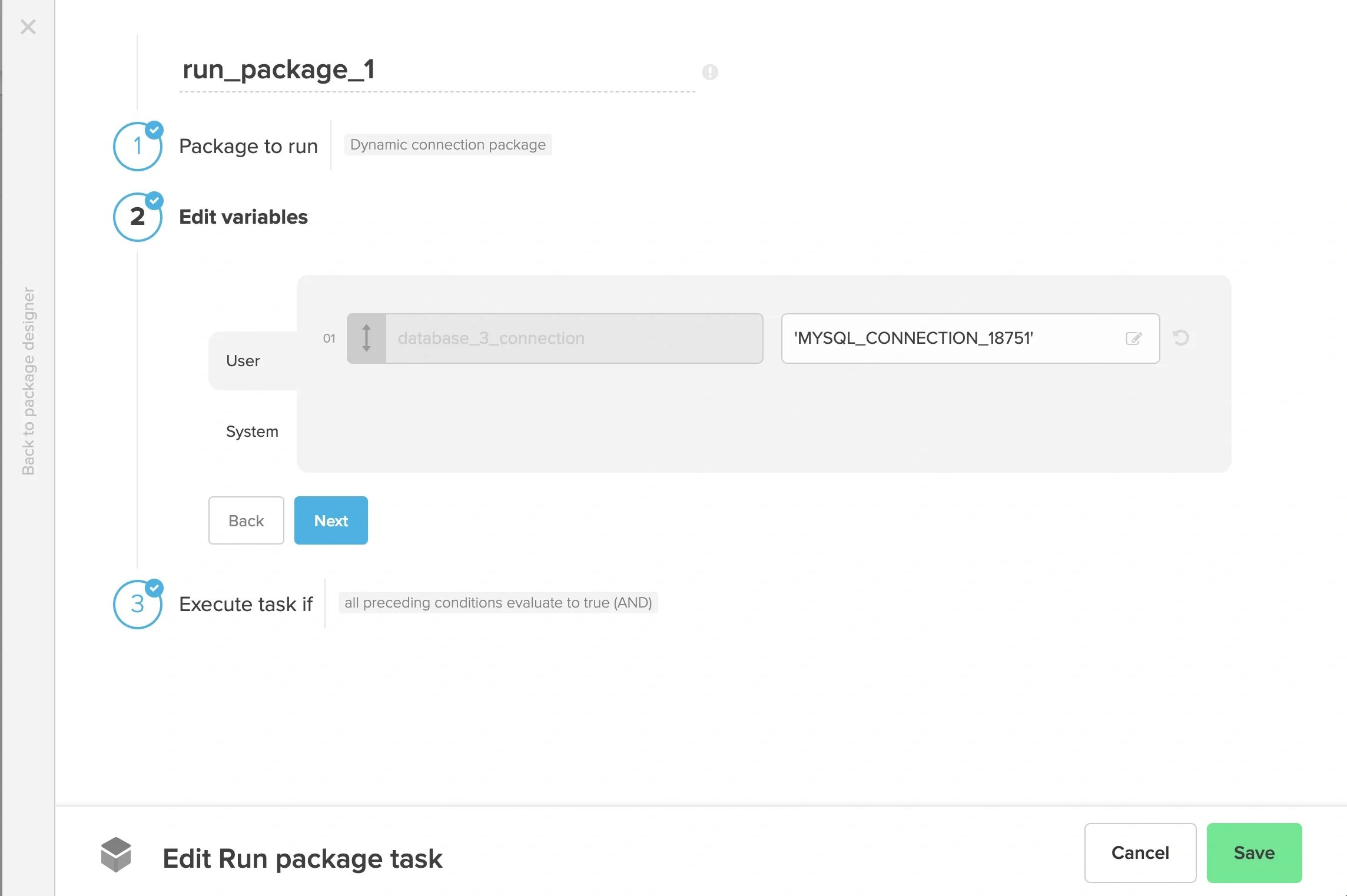
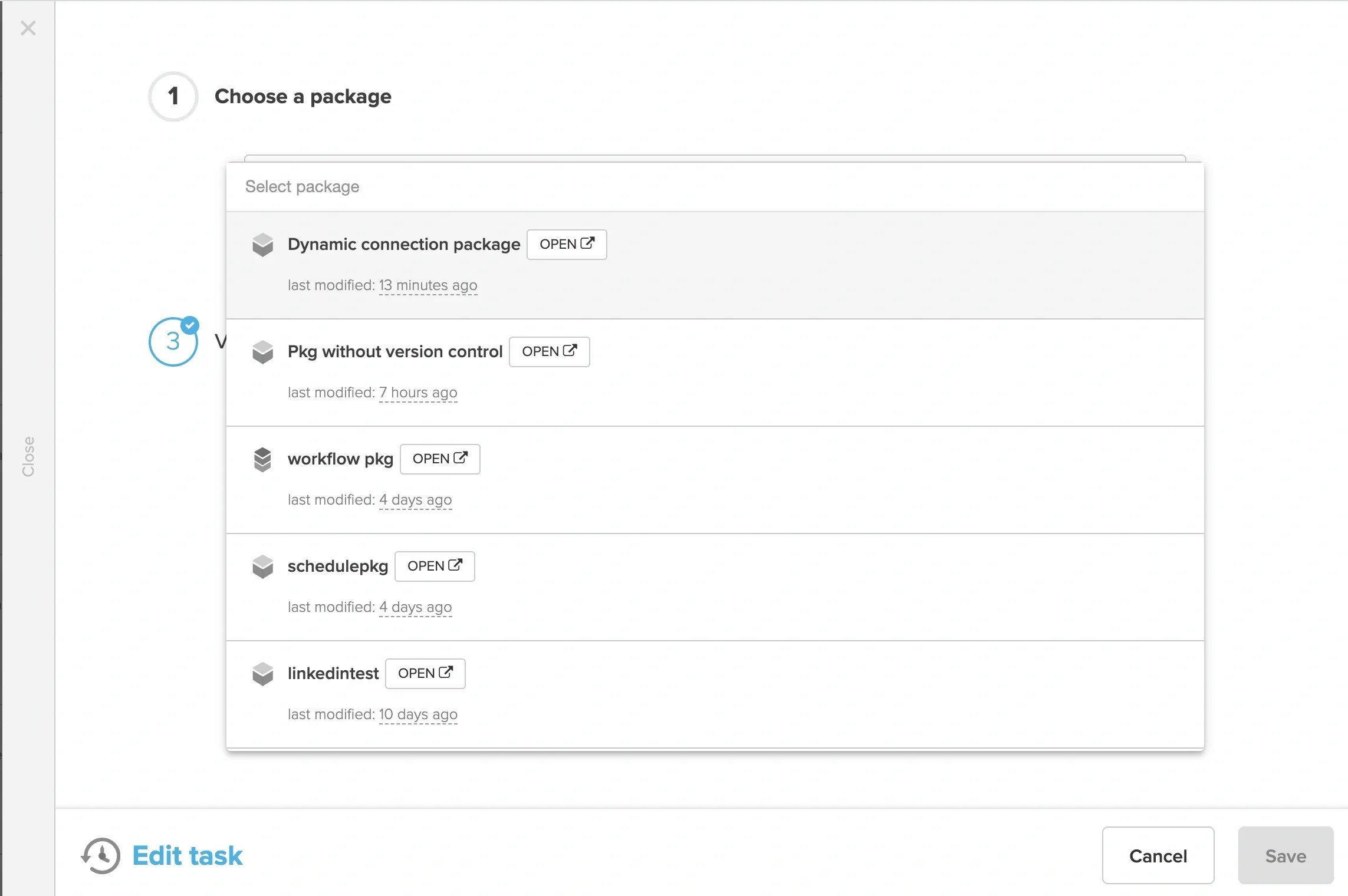
When creating a Workflow package, “Run package” task window