Import / Export package JSON
Each package can be represented as a JSON file that holds components and their settings, package variables, and metadata (version, description). You can export that JSON data or import a JSON of some previous package version if you want to use a version control system like Git. Each package has to be saved and validated before exporting. To export package JSON first open a package, find the Import/Export dropdown and click the Export button. After that, the browser will start a download. The exported JSON file is formatted so it will be easy to track the difference between such files.
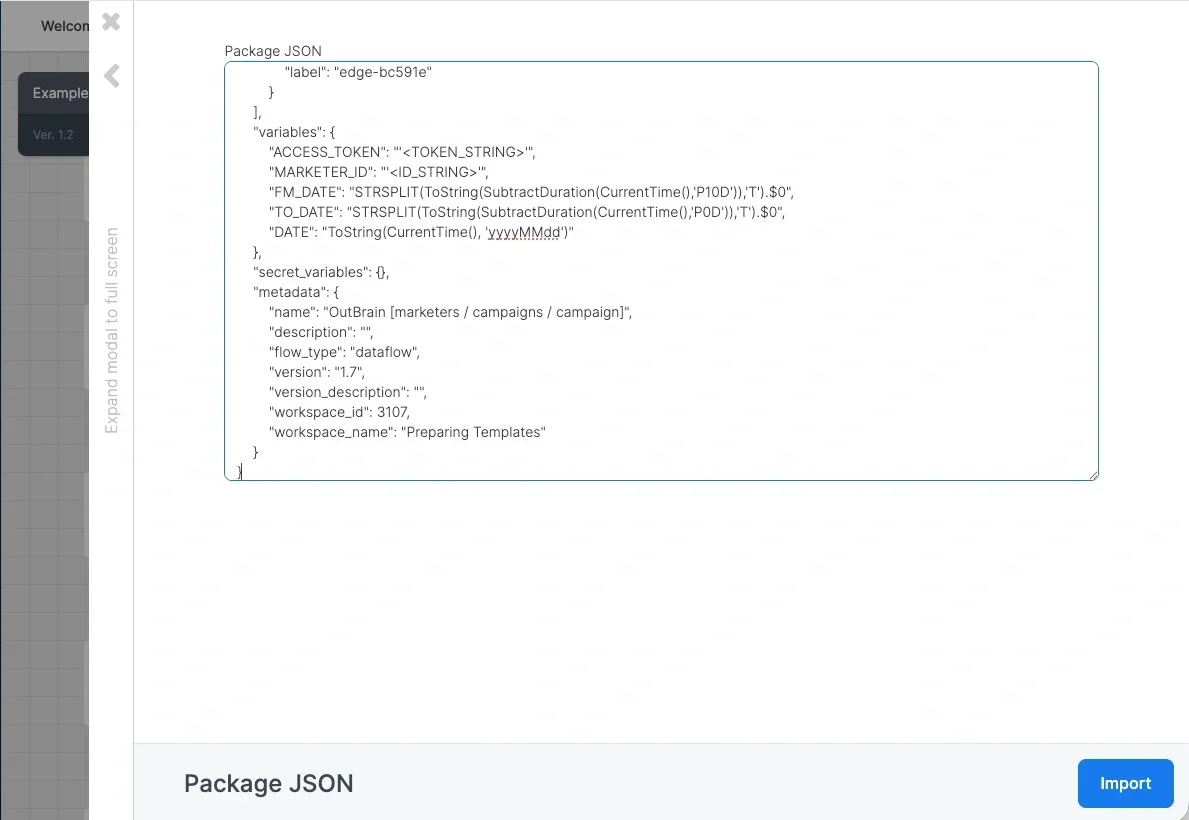
To import your own package JSON, open a package and find Import/Export dropdown and click the Import button. You will see the following form. Paste the JSON into the Package JSON input box, and click the “Import” button.
The package will be updated and you will see the changes immediately. It is not necessary for the JSON to be formatted but it should be valid JSON otherwise the JSON import will generate an error. Note that package variables are included in the package JSON, so you will need to manually remove all sensitive information & credentials as needed.
Who can use Import/Export
Import and Export work when both of these are true:
Package group scope still applies. You can export or import only the packages in the package groups your role covers. A separate Import/Export permission does not exist: the package Update permission is what allows it. Last modified on October 6, 2026