

How to Retrieve a HubSpot Private App Token for Integrate.io
You can use HubSpot Private Apps to connect your HubSpot account securely with Integrate.io using an Access Token (Bearer Token). This guide walks you through creating the token from the HubSpot Dashboard.Step 1: Log In to HubSpot
1
Go to https://app.hubspot.com
2
Log in with an account that has Super Admin or App Management permissions.
Step 2: Create a Private App
1
In the top right, click the Settings icon.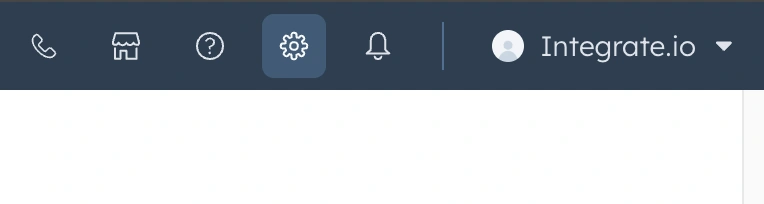
2
In the left sidebar, scroll down and click Integrations > Legacy Apps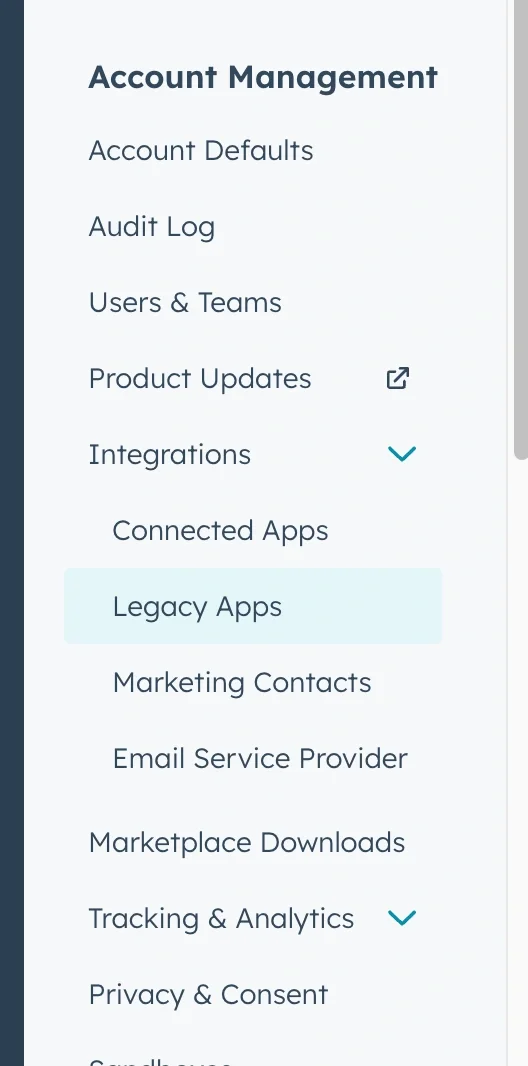
3
Click the Create button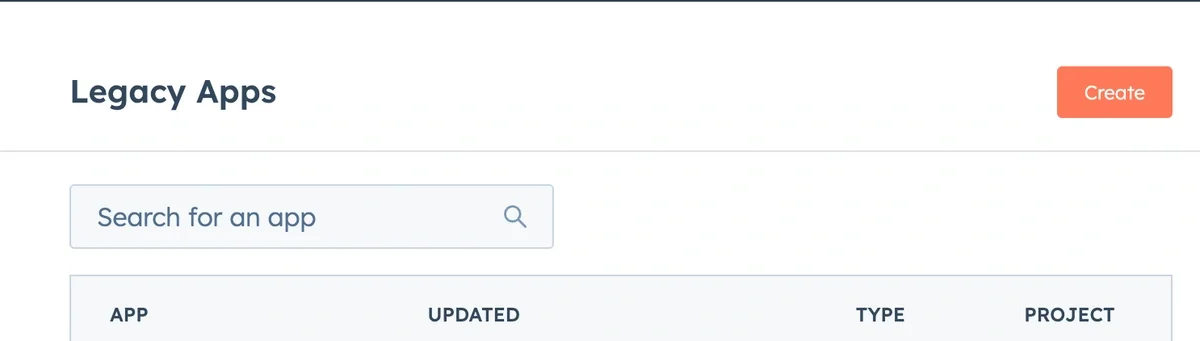
4
Select Private (For one account)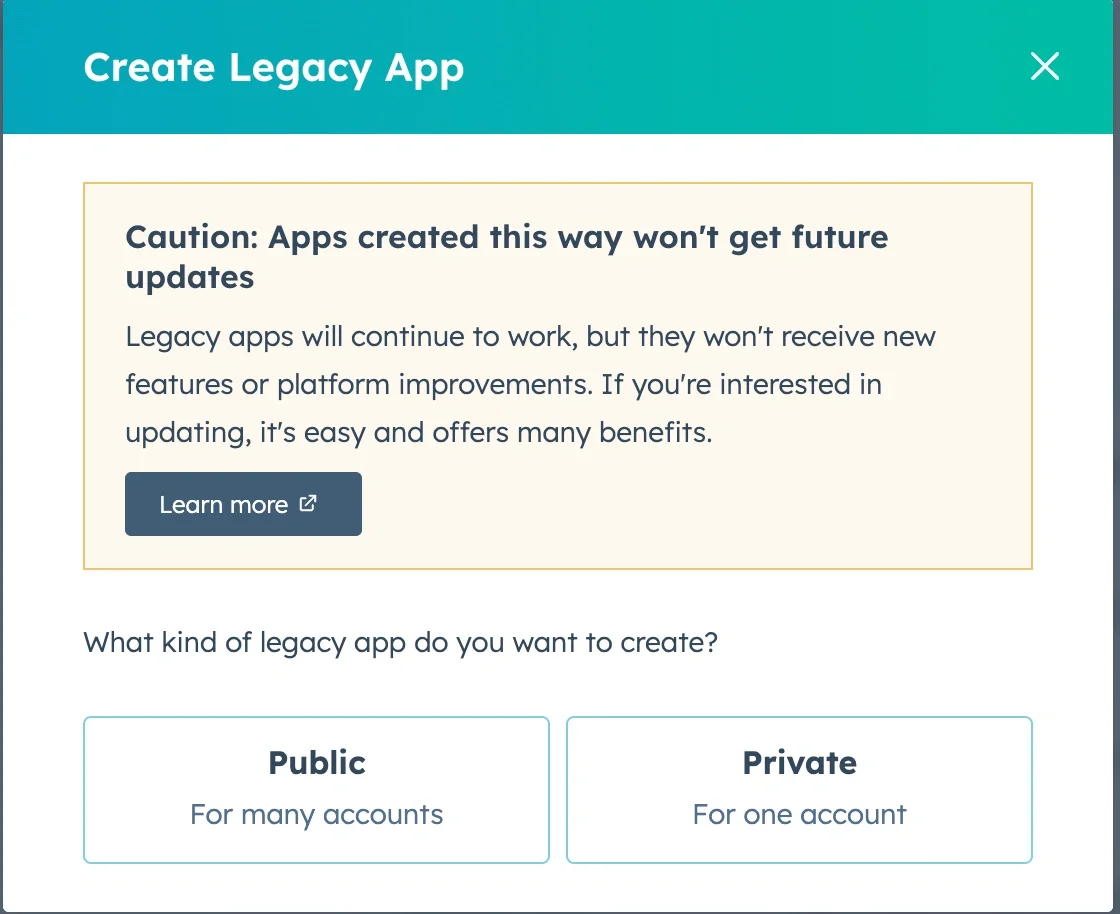
Step 3: Configure the App
1
Give your app a name, e.g.
Integrate.io Sync2
(Optional) Add a description, icon, or team owner for tracking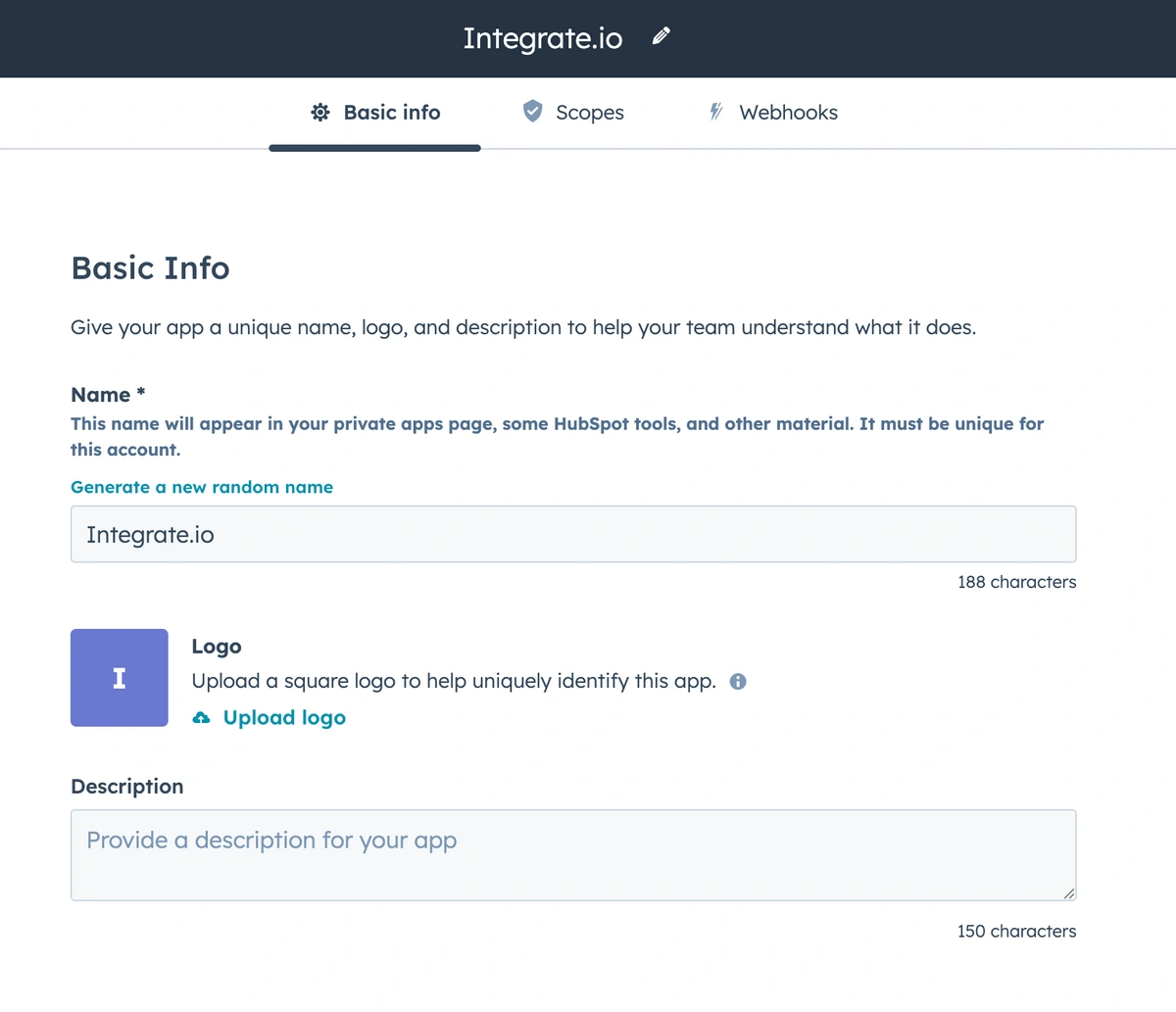
Step 4: Define Access Scopes
1
Under Scopes, search and select the APIs your integration needs access to.
2
Some common scopes for data sync into Integrate.io: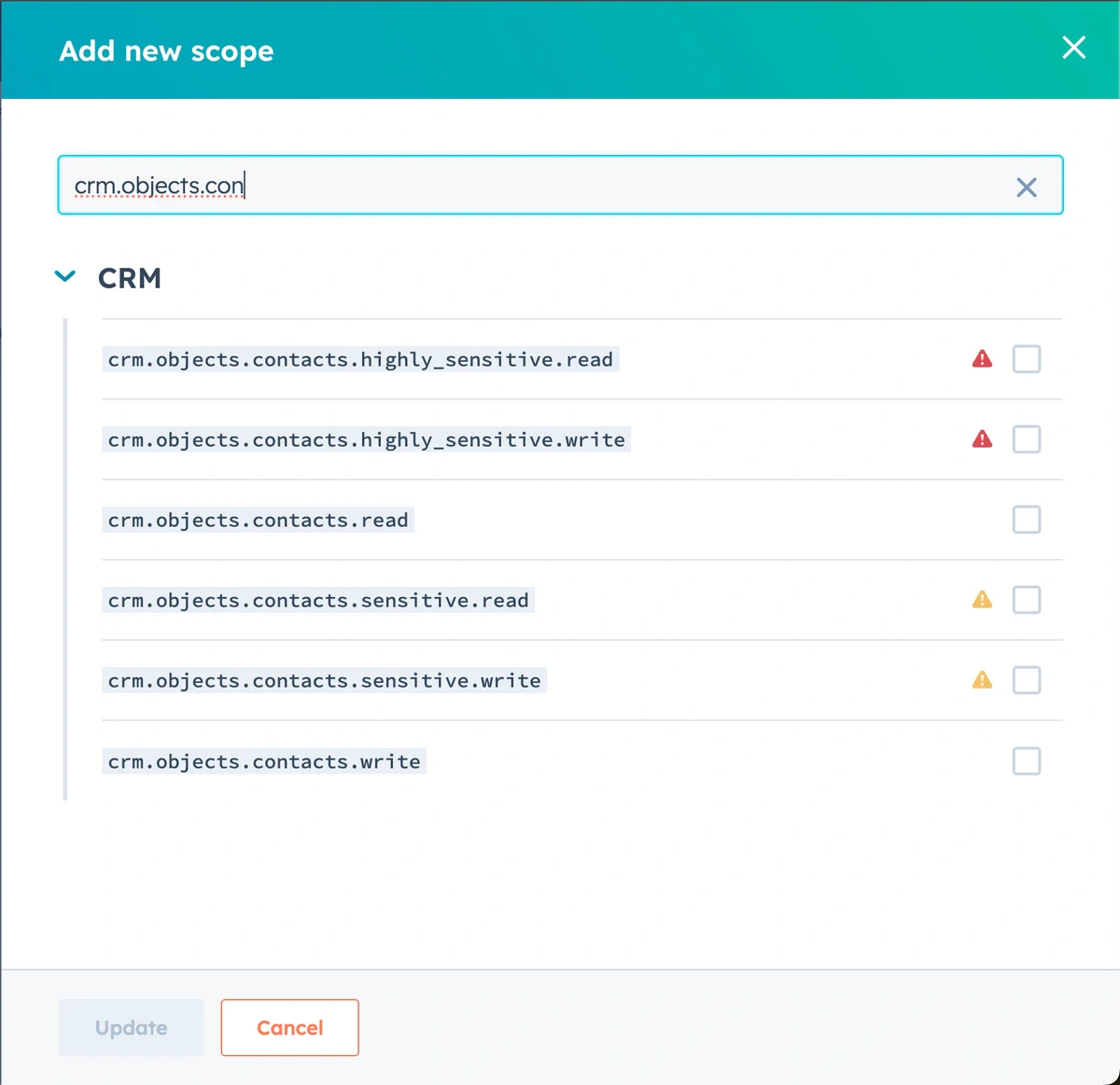
For exporting (writing to HubSpot), select appropriate write scopes.
Step 5: Create the App and Copy the Token
1
Click Create App
2
Once created, you’ll see your Access Token in the Auth tab
- Copy and store this token securely
The access token is like a password. Treat it as sensitive.
Step 6: Use Token in Integrate.io
In Integrate.io:1
Go to Connections > Create New Connection
2
Select HubSpot
3
For authentication, select:
- Access Token (Private App)
4
Paste the token you copied from HubSpot
Token Expiration
HubSpot Private App tokens do not expire unless:- You regenerate the token
- You delete the private app
- Your user permissions are removed